0 €0.00
products in your basketto quote Checkout
Ooops no items were found.
Try something else.
Ok
Loading…
Search & Filter

KVM Switches

A KVM switch (keyboard, video and mouse switch) allows you to connect multiple computers to one keyboard, mouse and display. You can switch between the various computers using a simple keystroke and without touching a single wire. KVM’s are effective in enhancing efficiency, streamlining work and learning spaces, and promoting collaboration. Easily manage and monitor multiple computers while saving space with KVM switches. Complete your entire tech set-up with computers from leading brands.

72 products found
Sort by
StarTech.com 2 Port USB HDMI KVM Switch with Audio and USB 2.0 Hub
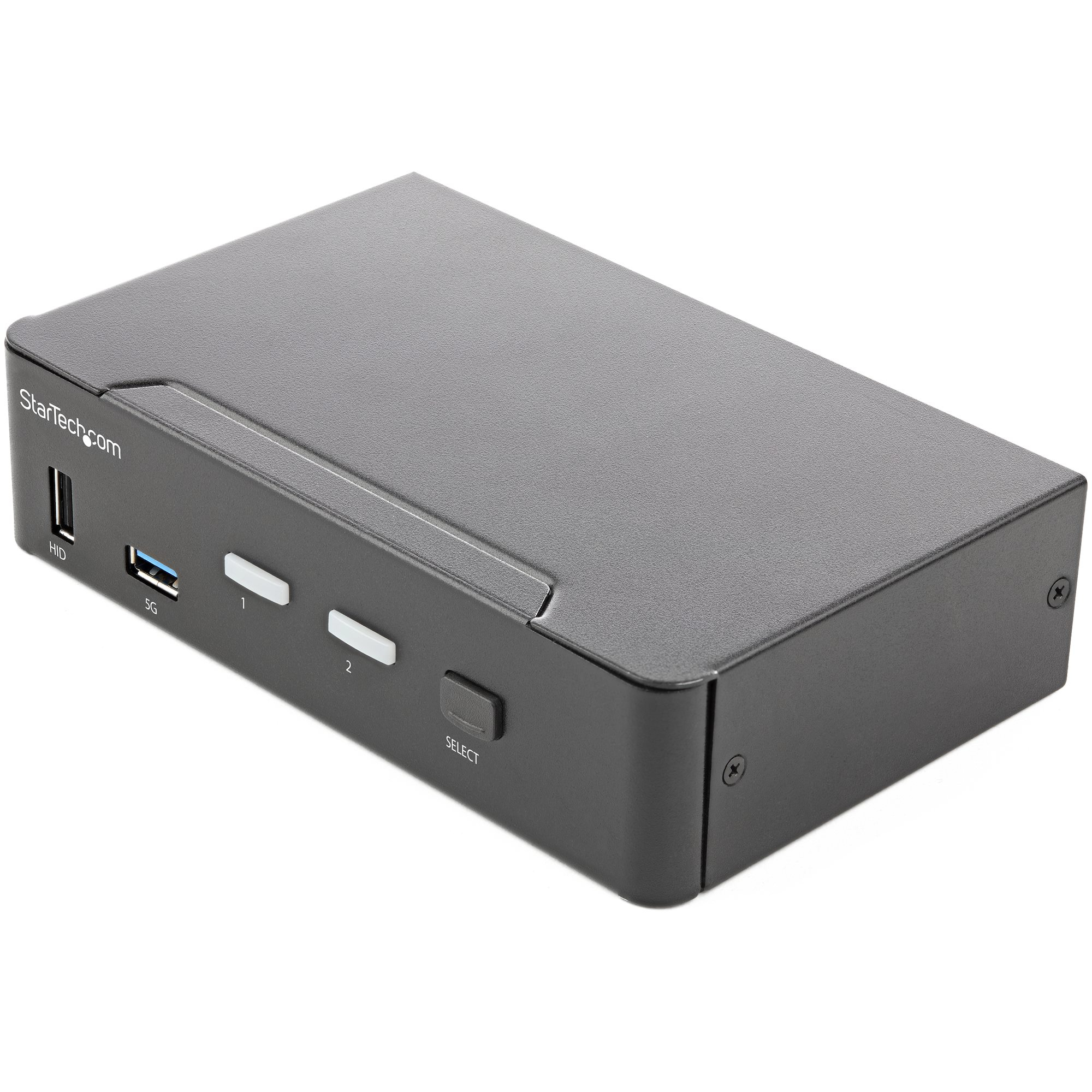
StarTech.com 2 Port HDMI KVM Switch - Single Monitor 4K 60Hz Ultra HD HDR - Desktop HDMI 2.0 KVM Switch with 2 Port USB 3.0 Hub (5Gbps) and 4x USB 2.0 HID, Audio - Hotkey Switching - TAA
StarTech.com 2 Port Quad Monitor DisplayPort KVM Switch - 4K 60Hz UHD HDR - Desktop 4K DP 1.2 KVM with 2 Port USB 3.0 Hub (5Gbps) & 4x USB 2.0 HID Ports, Audio - Hotkey Switching - TAA
StarTech.com 2 Port Triple Monitor DisplayPort KVM Switch - 4K 60Hz UHD HDR - Desktop DP 1.2 KVM with 2 Port USB 3.0 Hub (5Gbps) & 4x USB 2.0 HID Ports, Audio - Hotkey Switching - TAA
StarTech.com 2 Port Professional USB KVM Switch Kit with Cables
StarTech.com 4 Port Black USB KVM Switch Kit with Cables and Audio
StarTech.com 4 Port Dual DVI USB KVM Switch with Audio & USB 2.0 Hub
StarTech.com 4 Port DVI VGA Dual Monitor KVM Switch USB with Audio & USB 2.0 Hub
StarTech.com 4 Port HDMI KVM Switch - 4K 30Hz - Dual Display
StarTech.com 4-Port Dual DisplayPort KVM Switch - 4K 60Hz
StarTech.com 4-Port DisplayPort KVM Switch - USB 3.0 - 4K 30Hz
StarTech.com 4 Port USB DisplayPort KVM Switch with Audio
Loading more
Total 72 products

How do you use a KVM switch?

To use a KVW switch, begin by connecting your keyboard, mouse and monitor to the switch’s ports. Then, connect all computers to the switch using the cables provided. To switch control between computers, press the designated button on the switch or use a keyboard shortcut.

What does KVM stand for?
KVM stands for keyboard, video and mouse, referring to the several devices that can be used with a KVM switch.

Are KVM switches still used?
Yes, KWM switches are still widely used in many office and school environments, allowing for optimised efficiency and organisation.


SEARCH ×

Search