
Search & Filter
Digital Projectors
Make use of projectors within your educational setting or workplace to enhance learning and productivity. Audiences are given clear visibility, a chance to interact with what’s on screen and enhanced opportunities for collaboration, catering to diverse learning and development styles. Our easy-to-use digital projectors provide vibrant and impactful visuals. Compatible with a range of devices, users are given versatility and professionalism all from one product.
Explore our projection screens for an even crisper image.


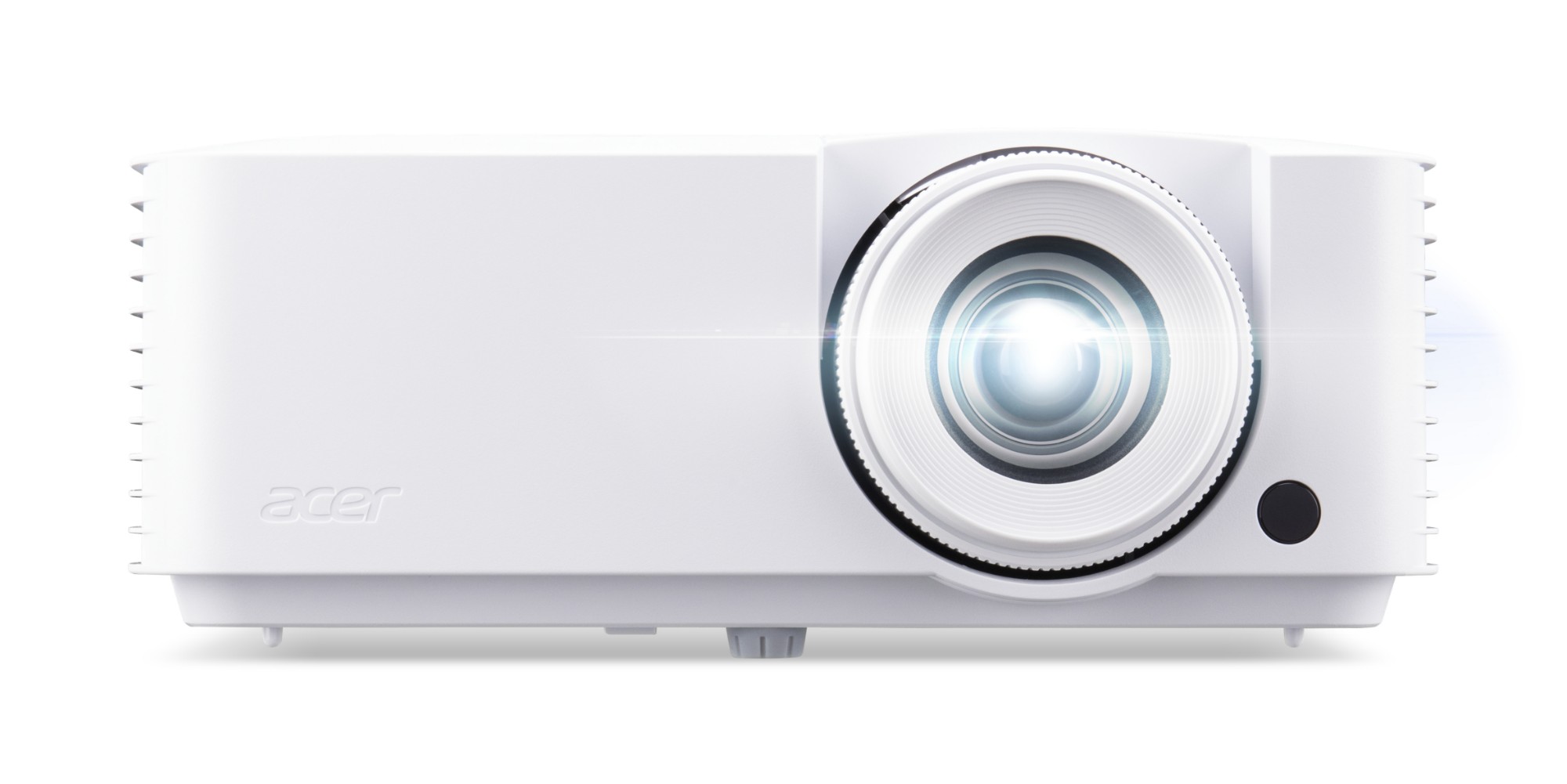


Epson EB-L530U data projector Standard throw projector 5200 ANSI lumens 3LCD WUXGA (1920x1200) White
Product Code: V11HA27040
Category
Digital Projectors
Loading more
FAQs:
- Can you use a projector with an iPad? Yes – it’s possible to connect your iPad to your projector. You can do this by using a HDMI adapter, Apple TV or another type of wireless connection. Many apps allow for screen mirroring, allowing you to project what’s on your small device.
- How do you adjust a projector to fit your screen? Simply adjust the projector’s zoom, focus and keystone correction settings. You can also physically move the projector farther away or closer to the screen to align the image more.
- What is a 4K projector? A 4K projector offers the clearest and most vivid picture on screen. Using high technology, image quality is crisp, detailed and eye-catching.
