
Tablet Cases
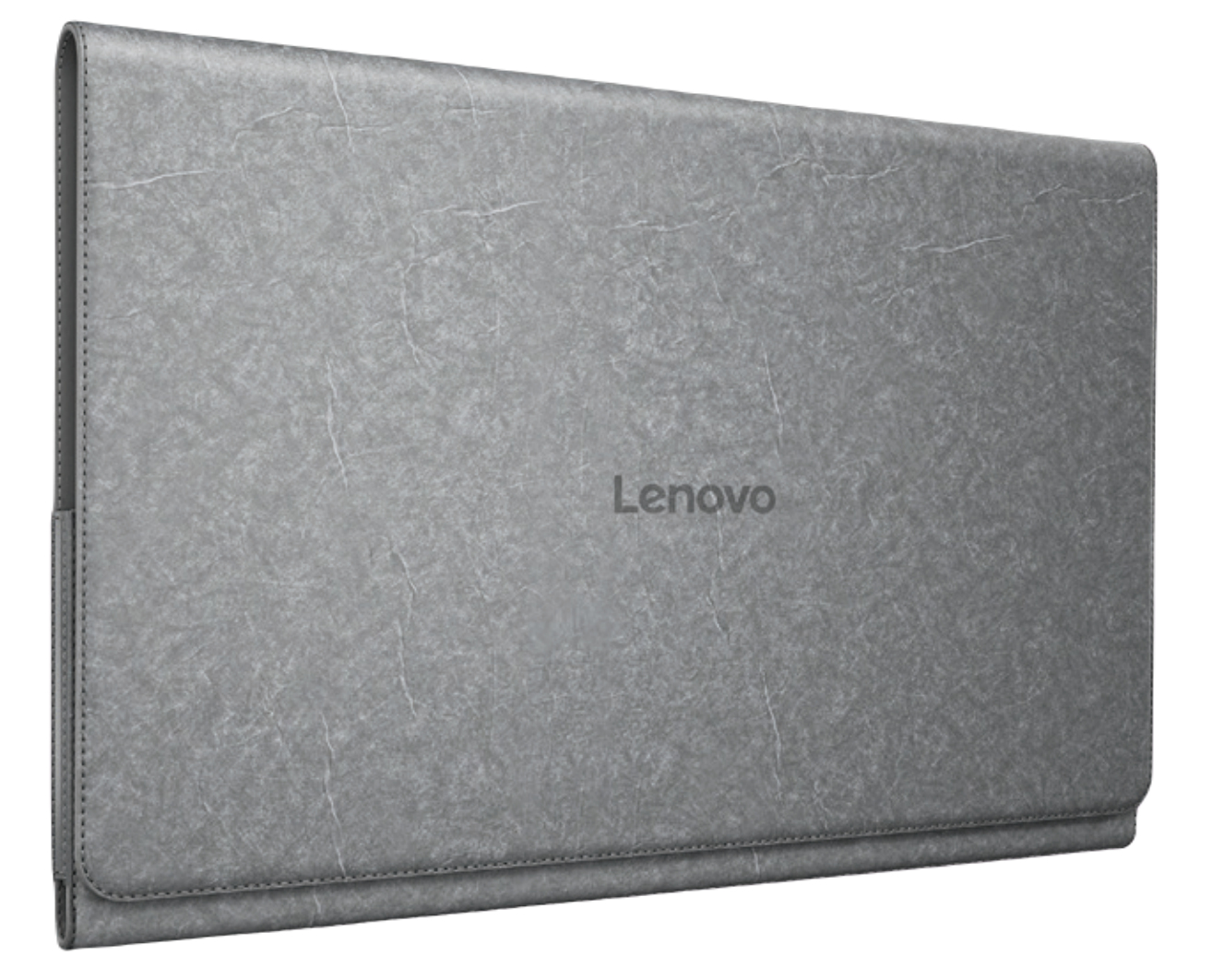
Our tablet cases combine style with protection and functionality and each case defends tablet screens against scratches or chips, ensuring it last for years to come. With several designs to choose from by top brands like Zagg and Urban Armour Gear, you’re given peace of mind that your device is kept safe while on the go. What’s more, with built-in features such as stands and secure closures, they’re as practical as they are stylish. For even more convenience, why not choose one of our tablet cases with a built-in keyboard.
Discover our tablet selection that’ll enhance productivity and collaboration.


.jpg)
How do you connect a tablet to a keyboard case?
Connecting your device to your keyboard case is quick and simple. All you need to do is make sure your case is in pairing mode before going to your device’s Bluetooth settings and clicking the keyboard name once it displays on screen.
Do tablets need a case?
While tablet cases aren’t a necessity, they provide maximum protection for your device against scratches, dents and internal damage in case it’s dropped, making it last much longer.
How to take off a tablet case?
Most tablet cases either clip onto your device for a seamless fit, or you can simply slide your device into the case’s side opening. To remove, just undergo the same action in reverse but take extra care while doing so to avoid any damage to the screen.
