
Stylus
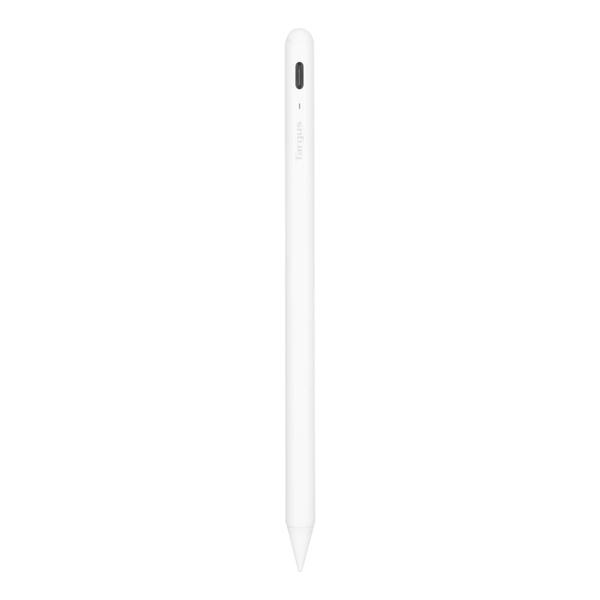
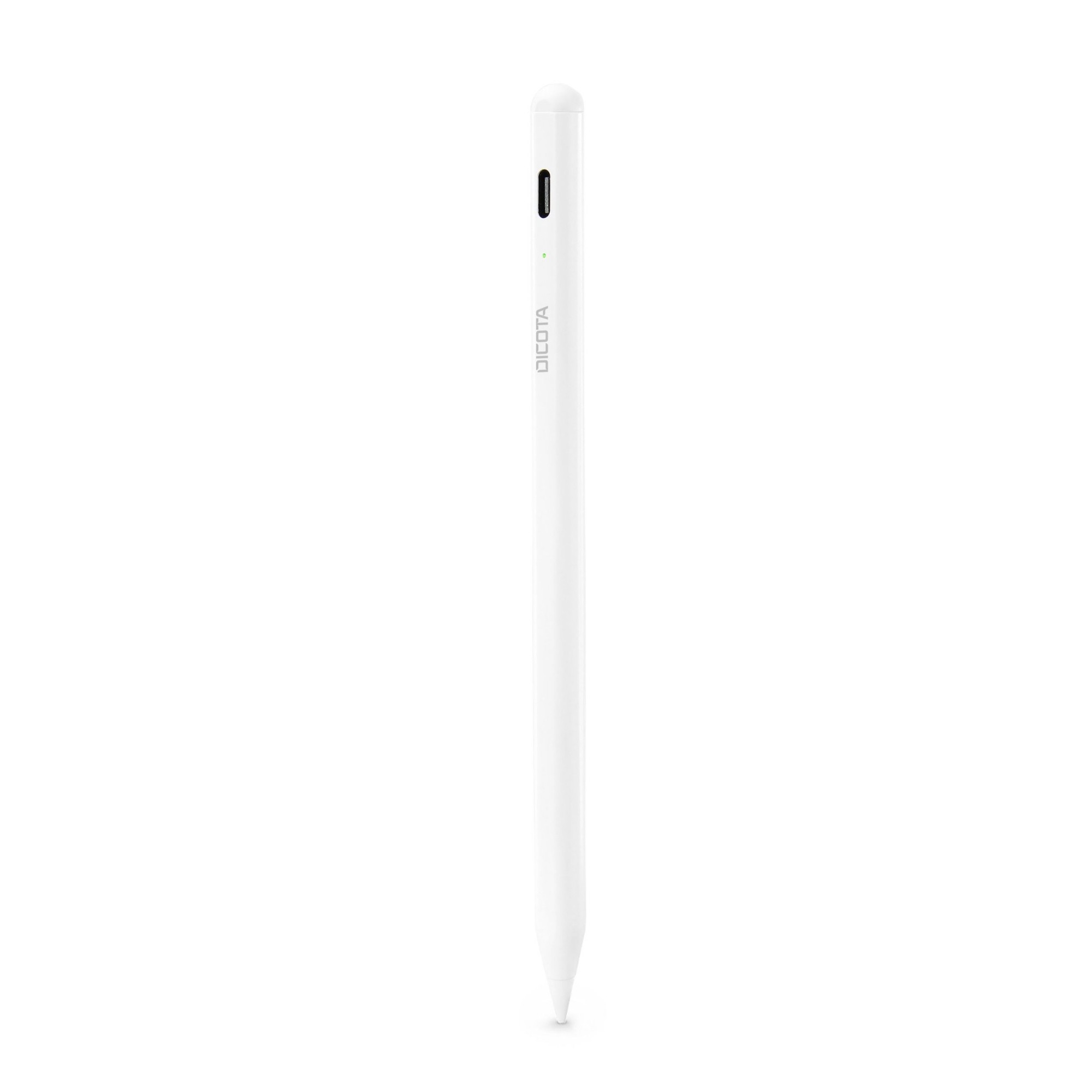
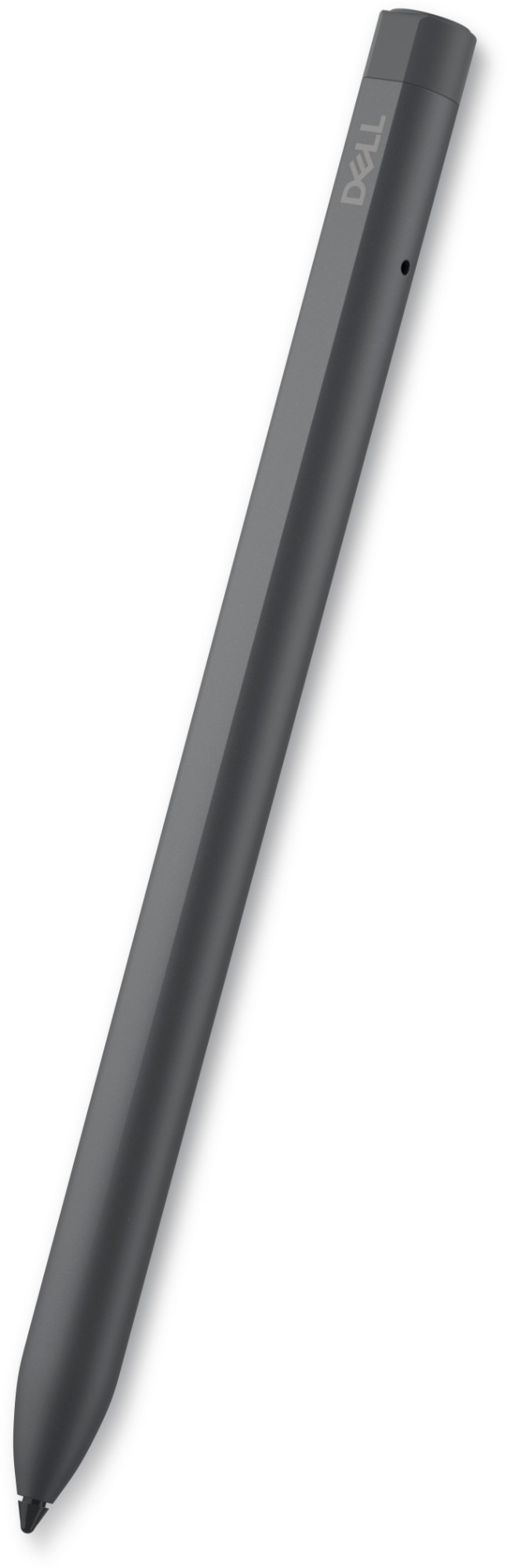
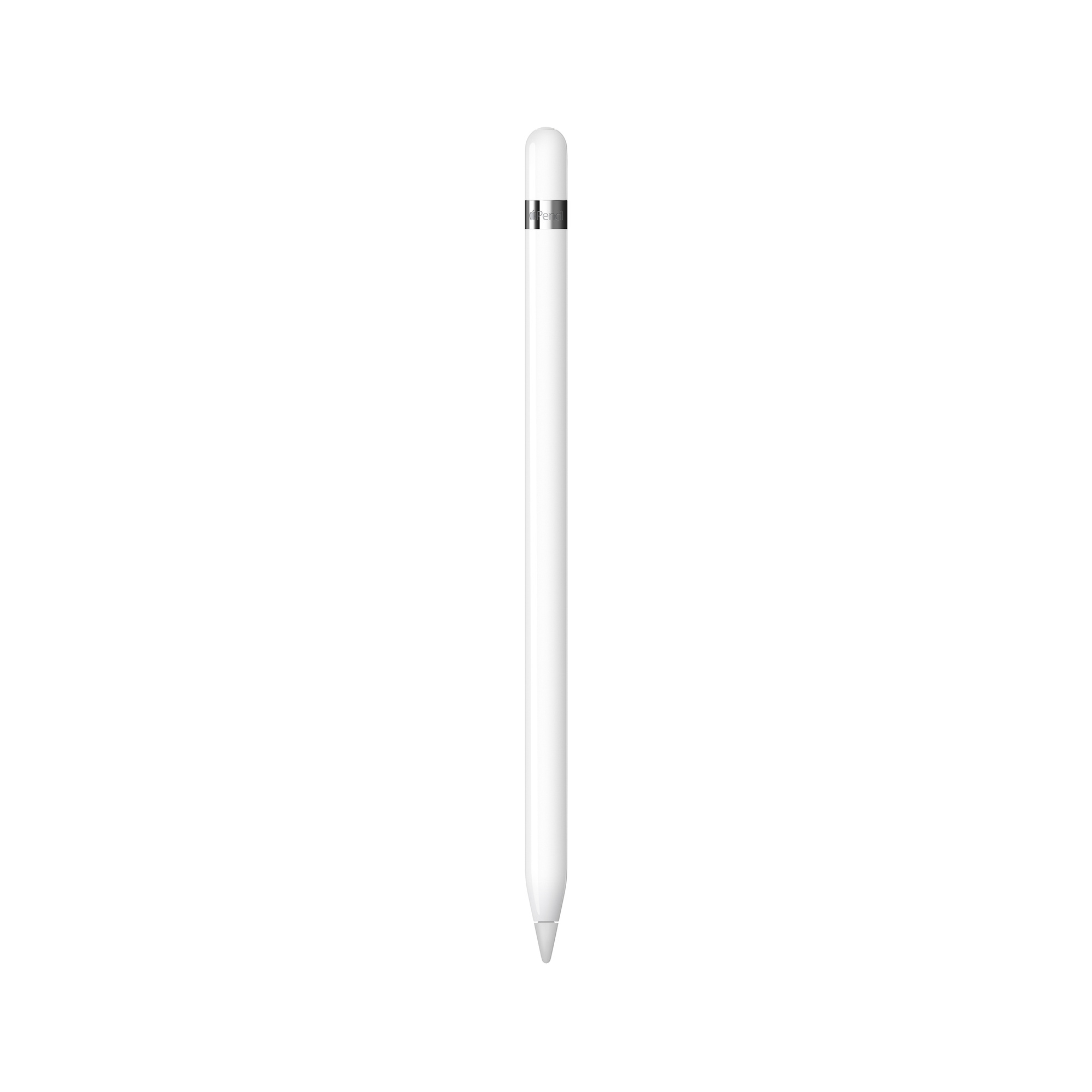
Enhance your tablet experience with our range of cutting-edge tablet styluses. Designed to provide precise control and optimal functionality, our styluses offer a seamless and natural feel, allowing you to write, draw, and navigate with ease. Perfect for artists, students, and professionals, our styluses feature durable tips that mimic the feel of a pen on paper, making them ideal for note-taking, sketching, and digital artwork. With advanced pressure sensitivity and palm rejection technology, our styluses ensure accurate and uninterrupted input, resulting in a smooth and effortless tablet experience. Explore our collection and unlock the full potential of your tablet today. Don’t forget a tablet case while you’re here!


.jpg)










What is a tablet stylus?
A tablet stylus is a digital pen-like device used to interact with touchscreens, allowing for more precise and accurate input compared to using fingers.
Can I use any tablet stylus with my tablet?
While many tablets are compatible with generic capacitive styluses, some tablets require specific active or passive styluses that use technologies like Bluetooth or electromagnetic resonance (EMR). It's best to check your tablet's specifications or consult the manufacturer for compatibility.
What are the advantages of using a tablet stylus?
Using a tablet stylus provides several benefits, including enhanced accuracy, better control for drawing and handwriting, reduced fingerprints on the screen, and the ability to take notes or create digital art with ease.
