0 €0.00
products in your basketto quote Checkout
Ooops no items were found.
Try something else.
Ok
Loading…
Search & Filter

Monitor Stands, Arms & Mounts

Elevate your workspace efficiency with our range of monitor stands, arms and mounts. Through our diverse selection of products, it’s easy to enhance your workstation ergonomics with customisable solutions for single or multiple screen setups. Our range caters to various sizes and preferences, ensuring optimal comfort and productivity. Explore our collection to discover the benefits of each product and create a personalised workstation tailored to your needs.
245 products found
Sort by
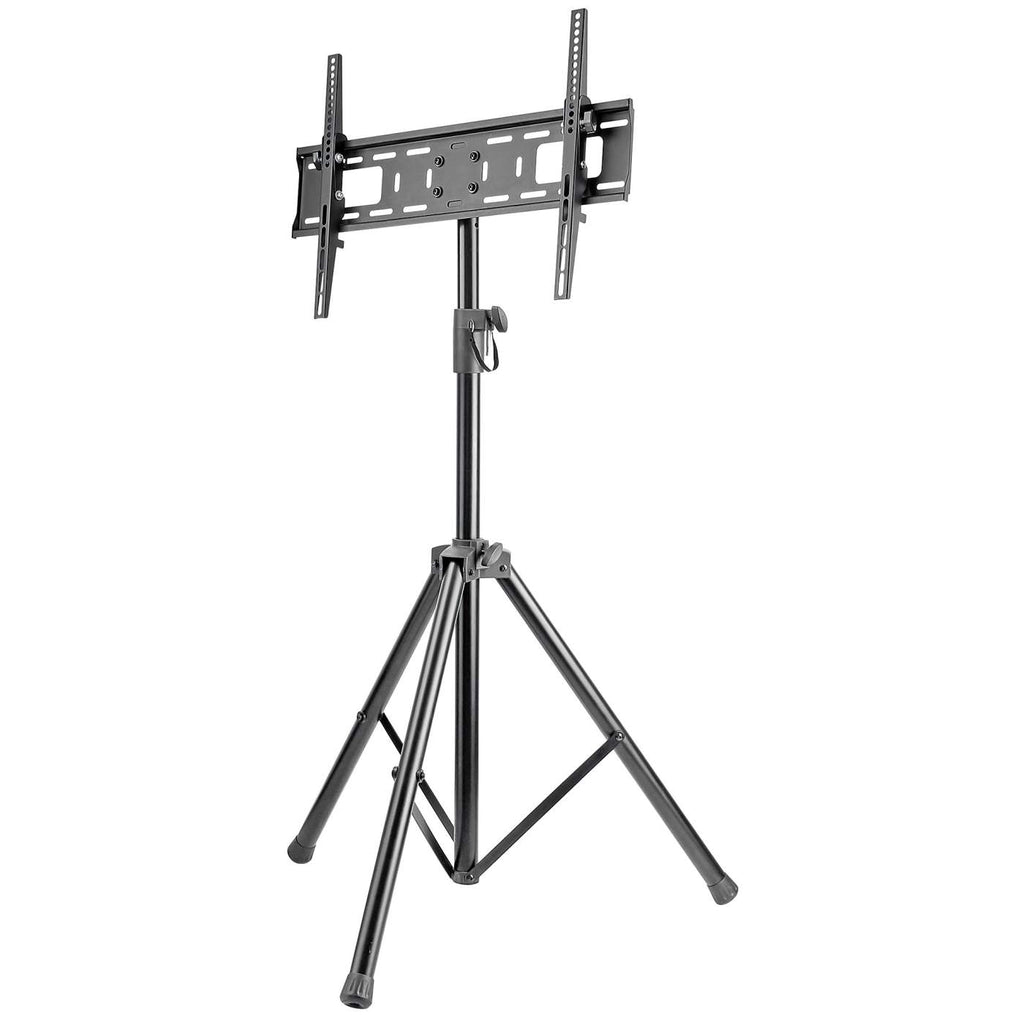
Manhattan Monitor Tripod Floor Stand, 1 screen, 37-70", Vesa 200x200 to 600x400mm, Height 124-188cm, Max 35kg, Black, Box
Manhattan TV/Monitor/Projector/Laptop Mount, Tripod Floor Stand, 1 screen/device, Screen Sizes: 13-32", VESA 75x75 to 100x100mm, Max 15kg, Height Adjustable, Black, Lifetime Warranty
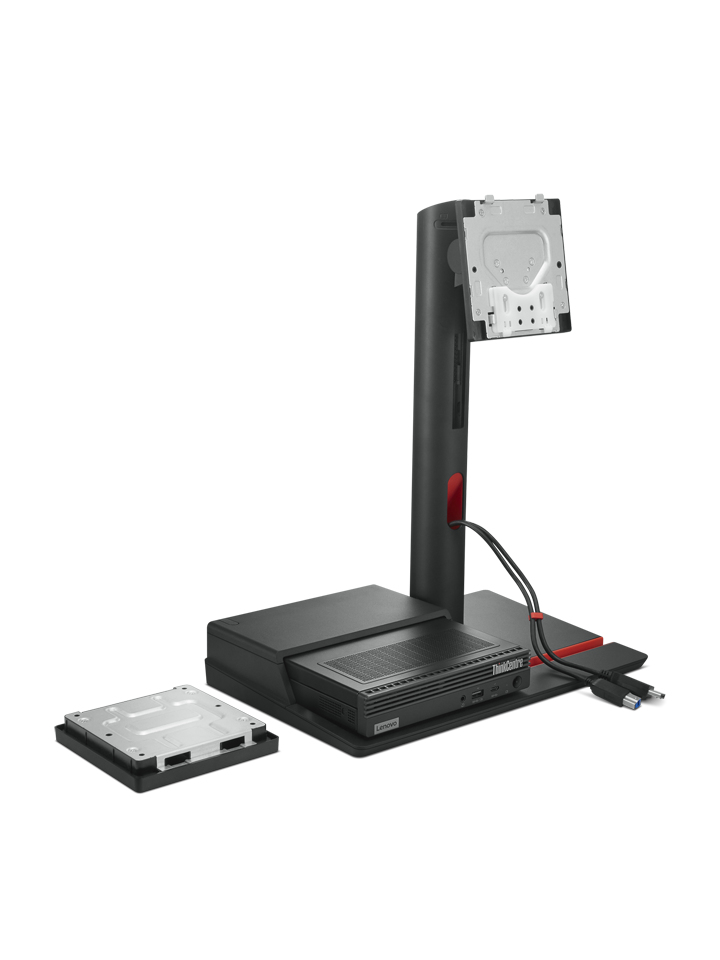
Lenovo 4XF1K03170 monitor mount / stand 68.6 cm (27") Desk Black
Ergotron FX30 Fixed Wall Mount 68.6 cm (27") Black
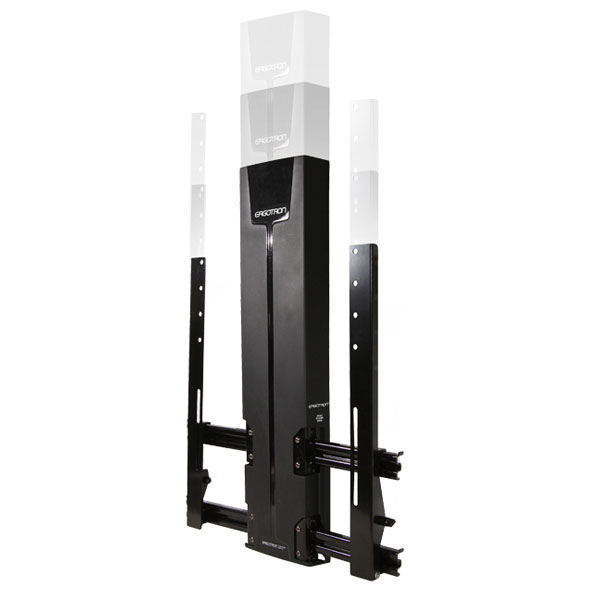
Ergotron StyleView Vertical Lift, Patient Room 61 cm (24") White
Ergotron Glide Wall Mount, HD 152.4 cm (60") Black
Ergotron 61-080-062 monitor mount / stand White
Fellowes Office Suites Standard Monitor Riser
Fellowes 8049601 monitor mount / stand 81.3 cm (32") Freestanding Black
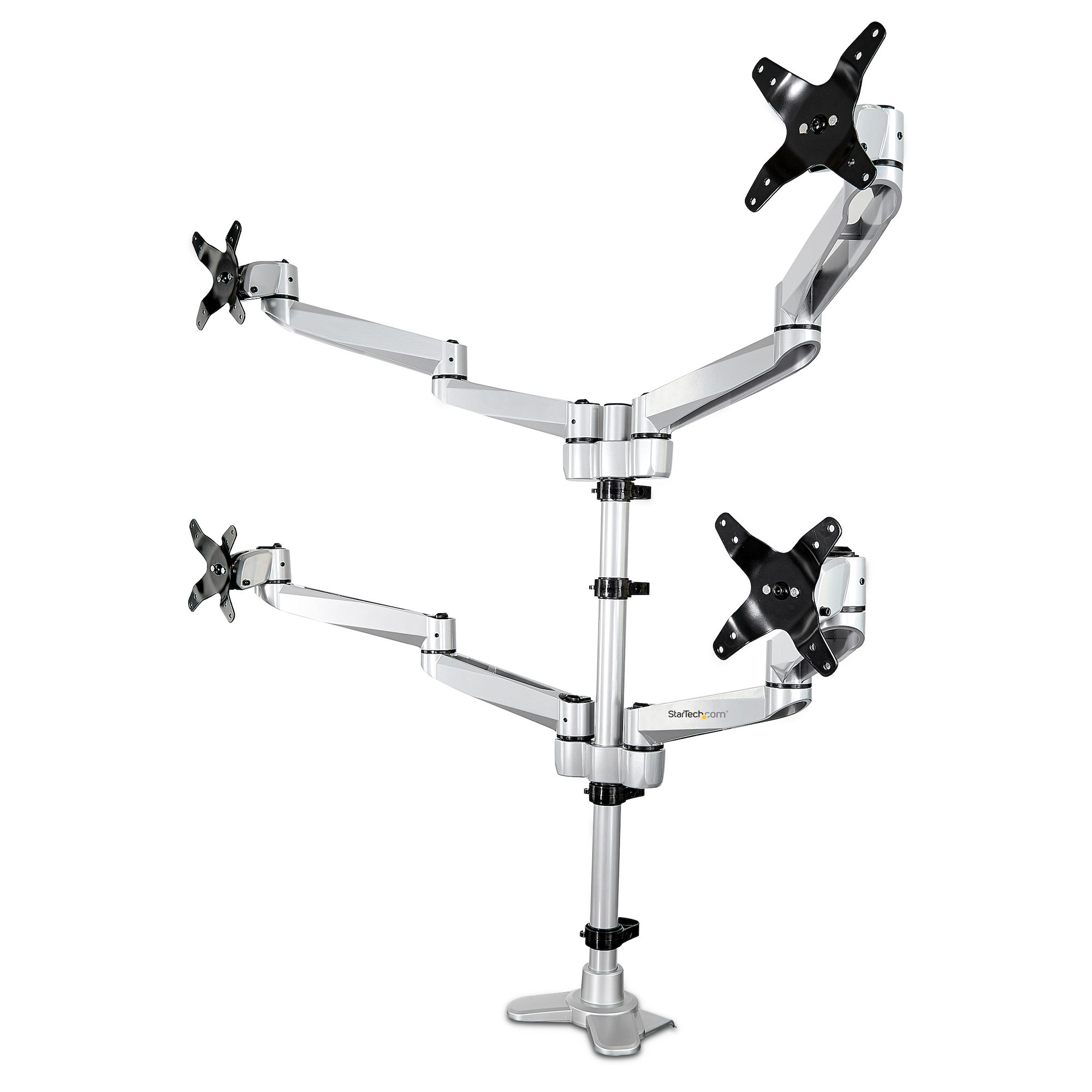
StarTech.com Desk Mount Quad Monitor Arm – Premium Articulating VESA 4 Monitor Mount 2x2 up to 27" – Ergonomic Height Adjustable Pole Mount - Tilt/Swivel/Rotate - C-Clamp/Grommet - Silver
DELL MDA20 68.6 cm (27") Black
DELL Dual Monitor Stand 68.6 cm (27") Aluminium, Black
Loading more
Total 245 products

FAQs:

  • What size monitor stand do I need? Measure the width of your monitor's base to ensure it fits within the stand's dimensions. Opt for adjustable stands for flexibility.
  • Do monitor arms improve workstation ergonomics? Yes, monitor arms enhance workstation ergonomics by allowing you to adjust the screen height, angle, and distance for optimal viewing comfort and posture support.
  • How do I know if a monitor is mountable? Check for VESA mounting holes on the back. Most monitors have them. If unsure, consult the product manual or manufacturer's specifications.
SEARCH ×

Search