
Search & Filter
Monitor Stands, Arms & Mounts
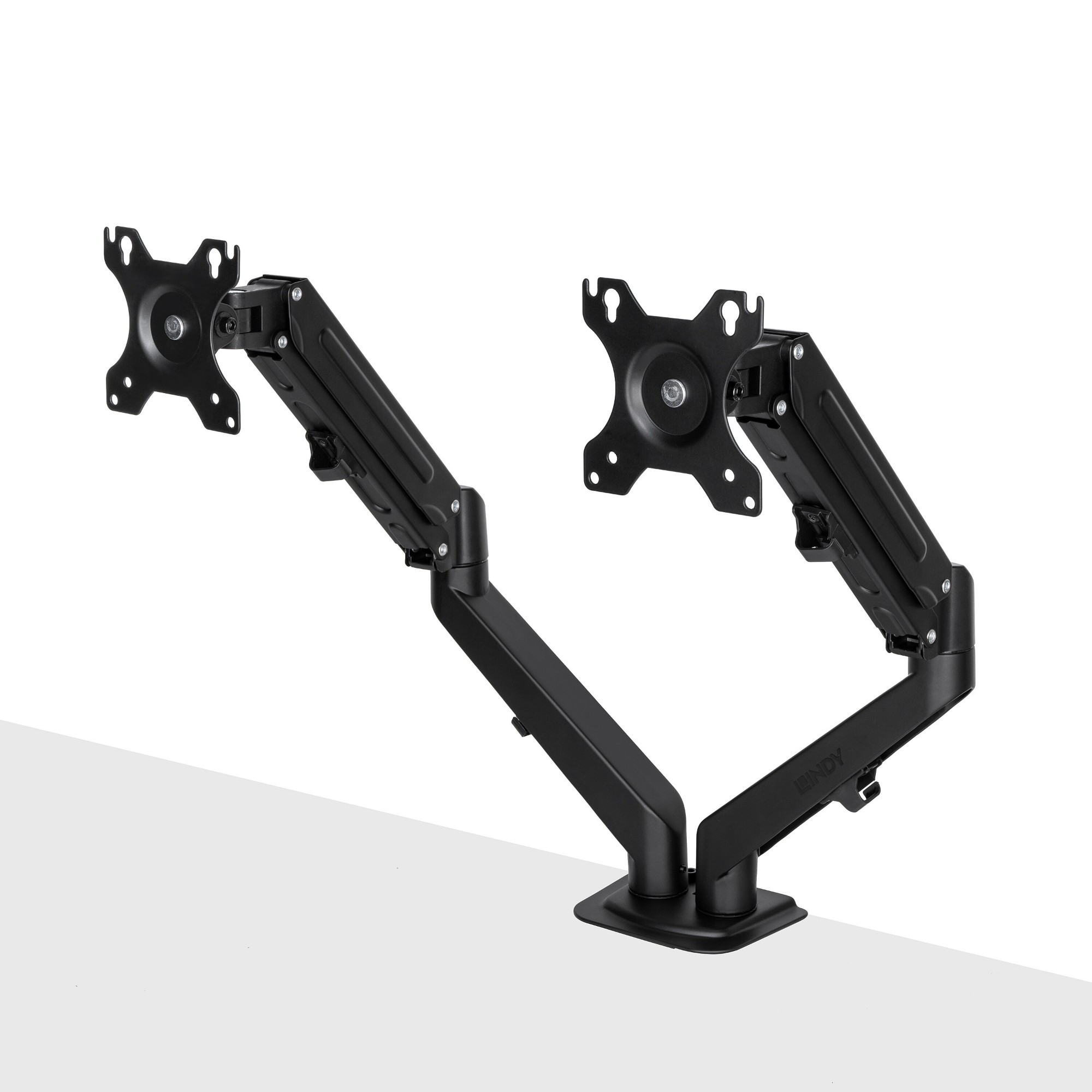
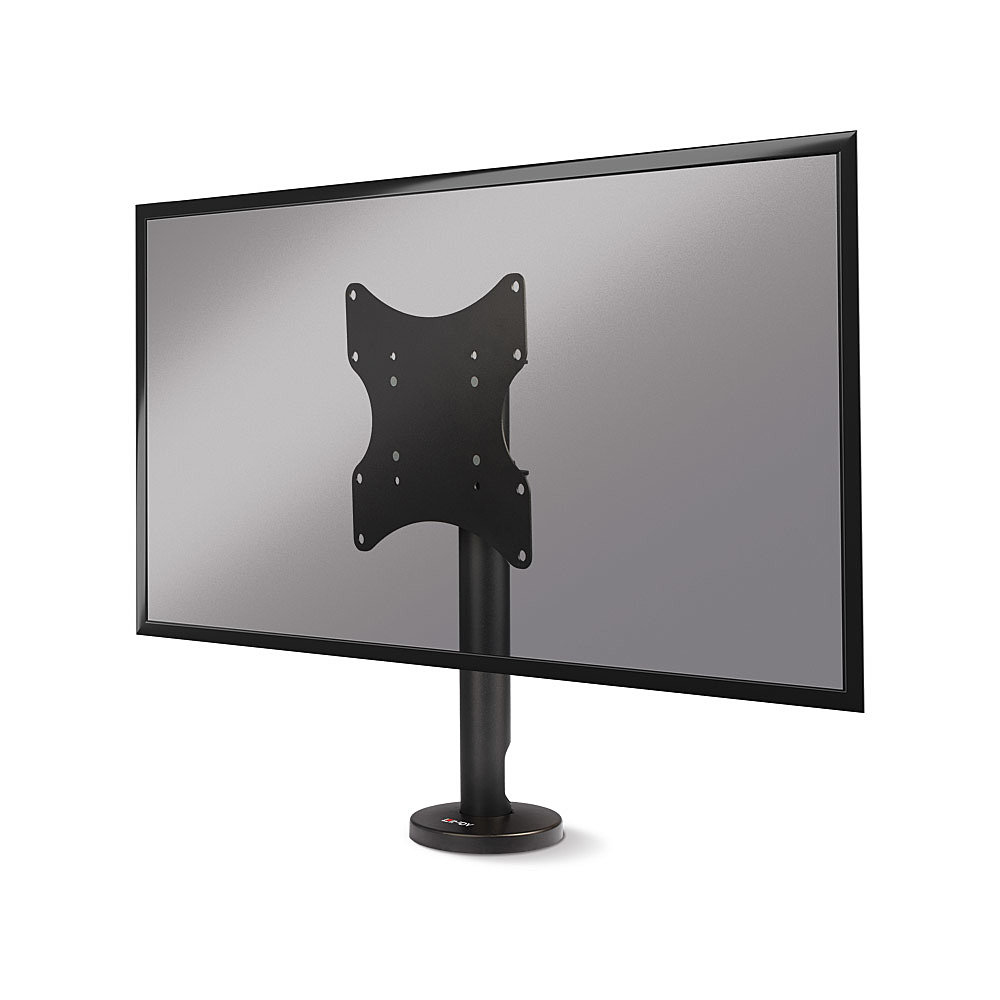
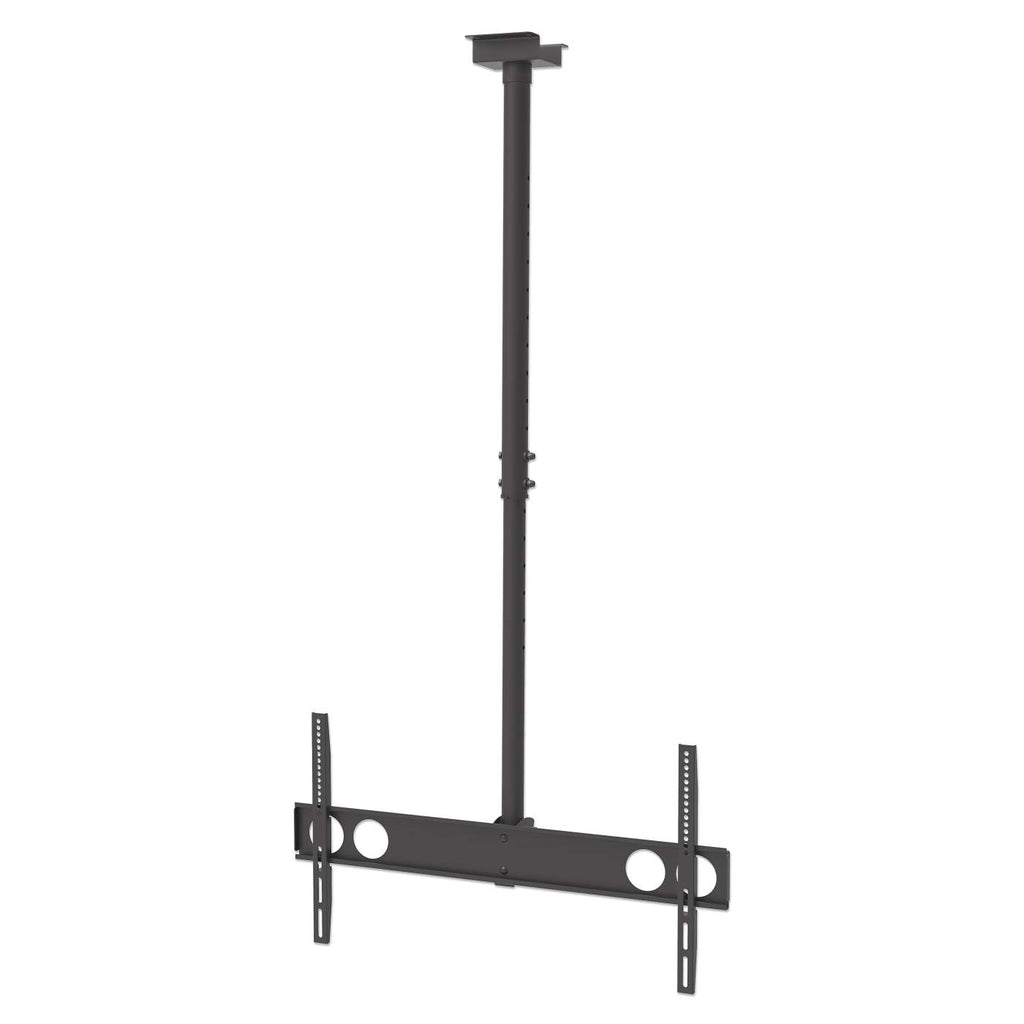
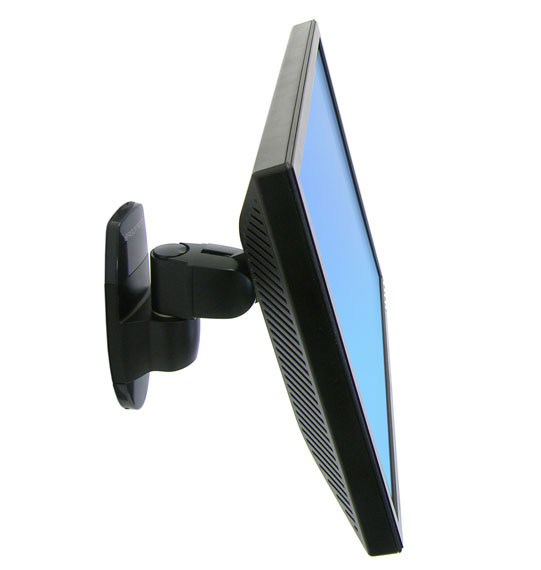
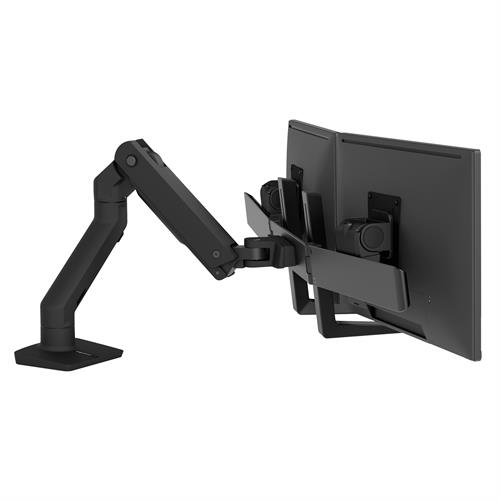
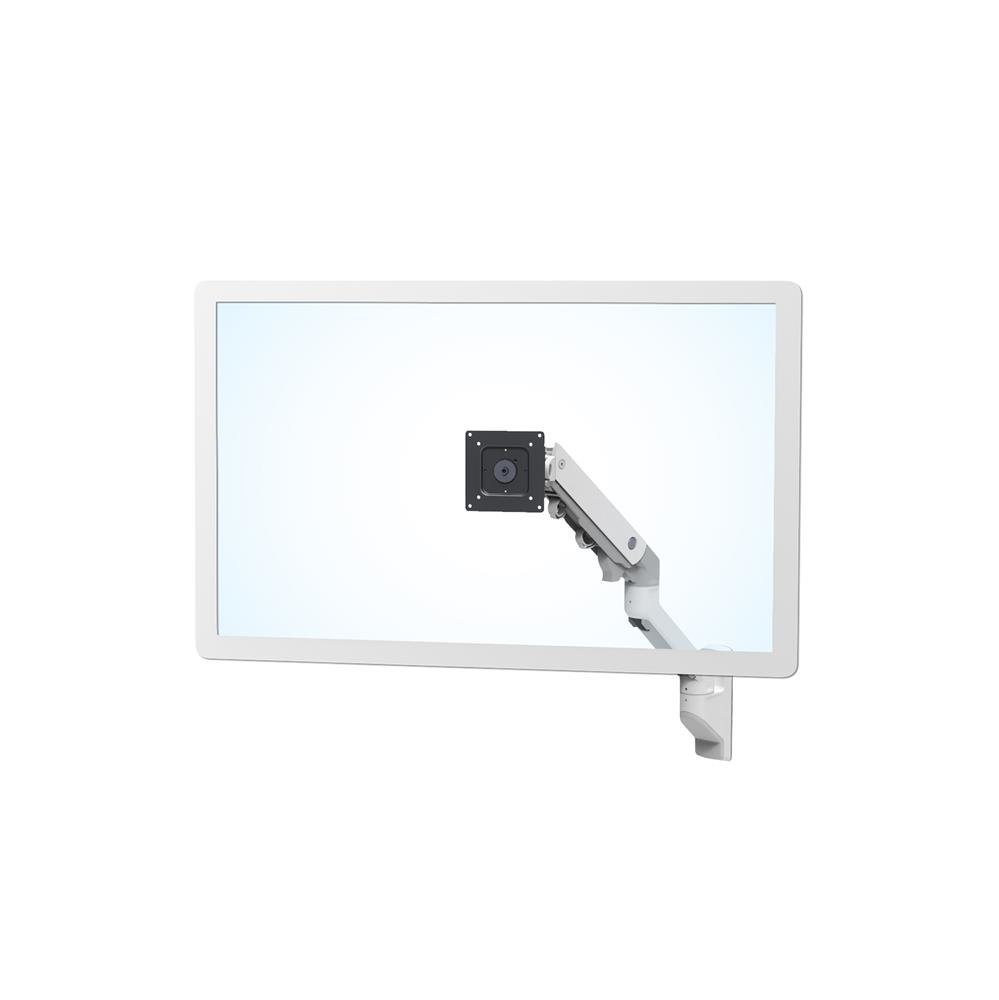
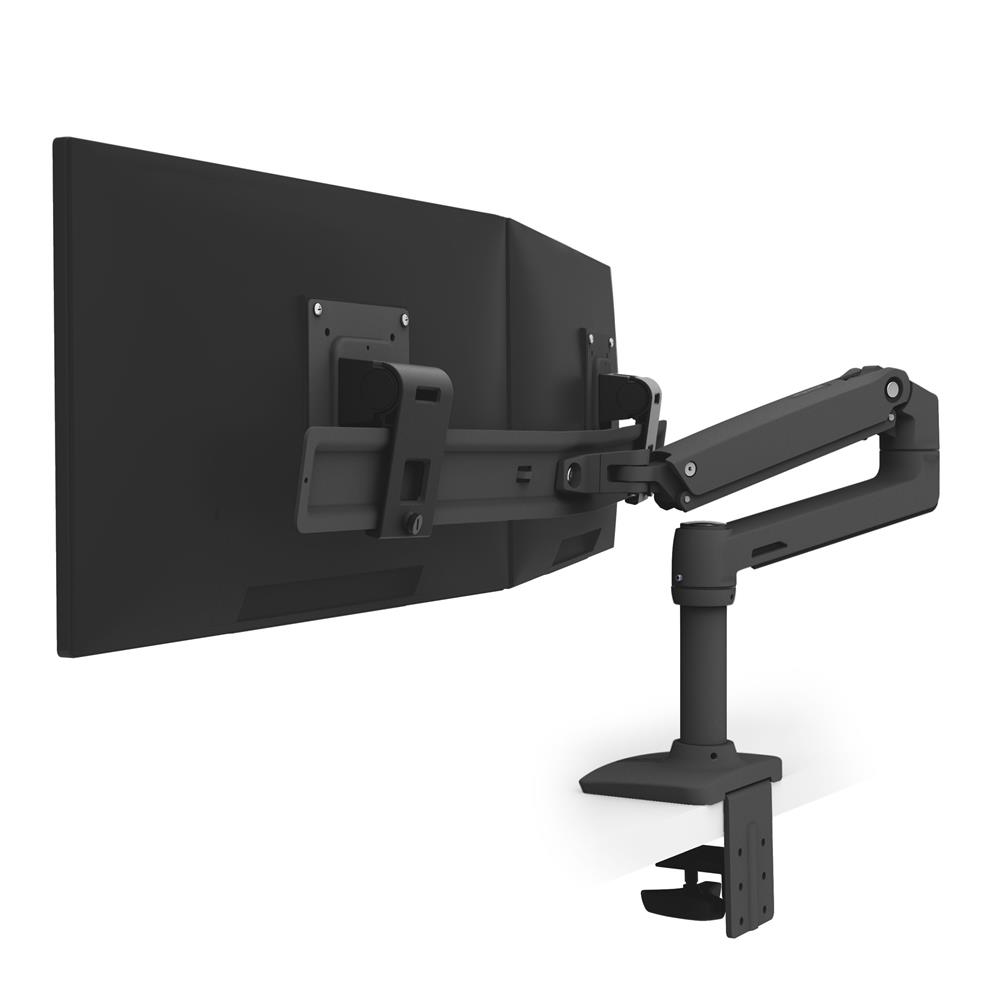
Elevate your workspace efficiency with our range of monitor stands, arms and mounts. Through our diverse selection of products, it’s easy to enhance your workstation ergonomics with customisable solutions for single or multiple screen setups. Our range caters to various sizes and preferences, ensuring optimal comfort and productivity. Explore our collection to discover the benefits of each product and create a personalised workstation tailored to your needs.





FAQs:
- What size monitor stand do I need? Measure the width of your monitor's base to ensure it fits within the stand's dimensions. Opt for adjustable stands for flexibility.
- Do monitor arms improve workstation ergonomics? Yes, monitor arms enhance workstation ergonomics by allowing you to adjust the screen height, angle, and distance for optimal viewing comfort and posture support.
- How do I know if a monitor is mountable? Check for VESA mounting holes on the back. Most monitors have them. If unsure, consult the product manual or manufacturer's specifications.
