0 €0.00
products in your basketto quote Checkout
Ooops no items were found.
Try something else.
Ok
Loading…
Search & Filter

Monitor Stands, Arms & Mounts

Elevate your workspace efficiency with our range of monitor stands, arms and mounts. Through our diverse selection of products, it’s easy to enhance your workstation ergonomics with customisable solutions for single or multiple screen setups. Our range caters to various sizes and preferences, ensuring optimal comfort and productivity. Explore our collection to discover the benefits of each product and create a personalised workstation tailored to your needs.

245 products found
Sort by
Newstar flat screen desk mount
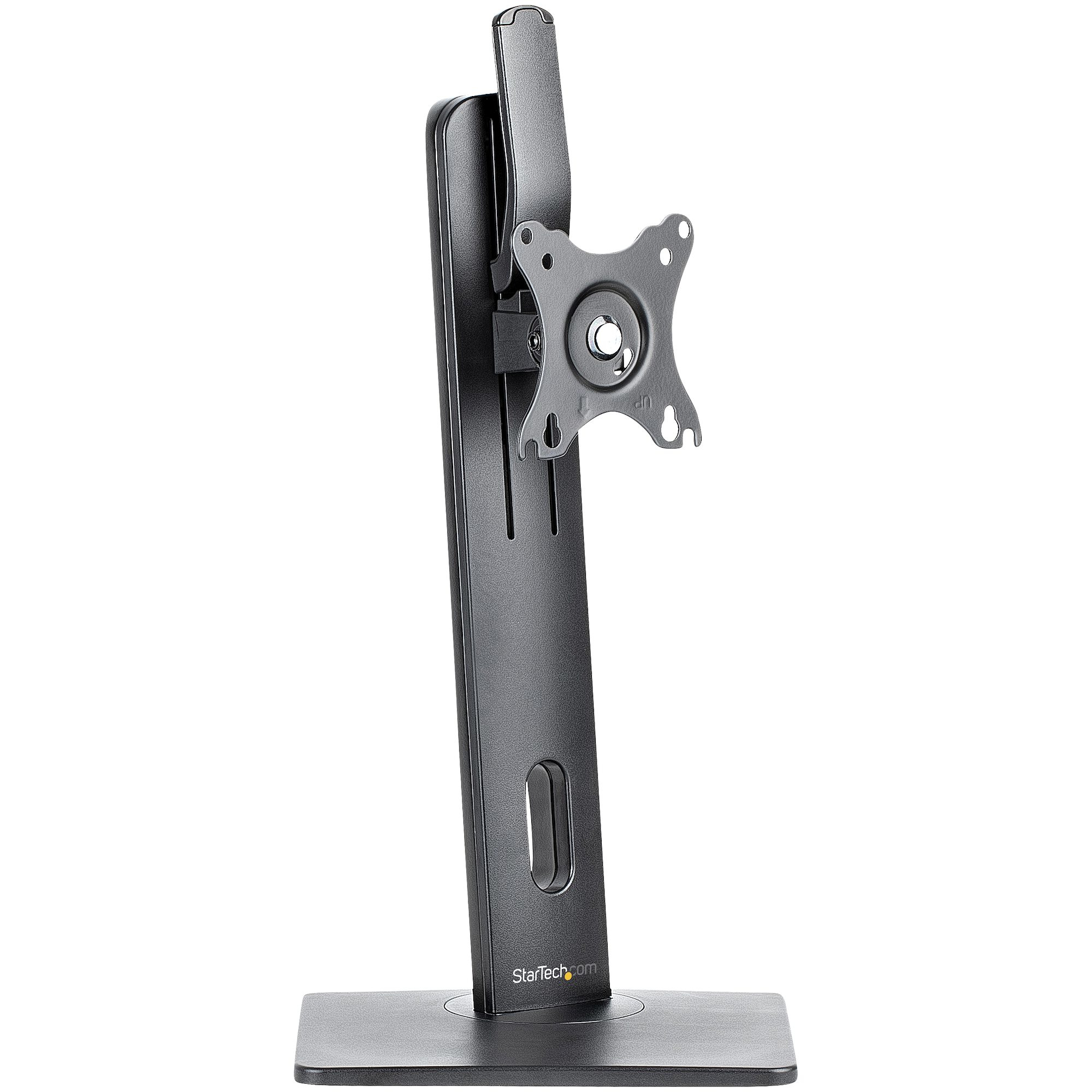
StarTech.com Free Standing Single Monitor Mount - Height Adjustable Monitor Stand - For VESA Mount Displays up to 32" (15lb/7kg) - Ergonomic Monitor Stand for Desk - Tilt/Swivel/Rotate
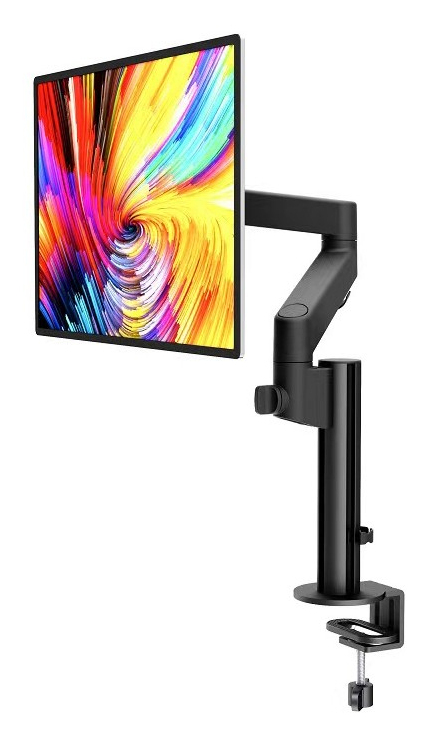
Urban Factory SINGLE: EVOLUTIVE SINGLE MONITOR ARM
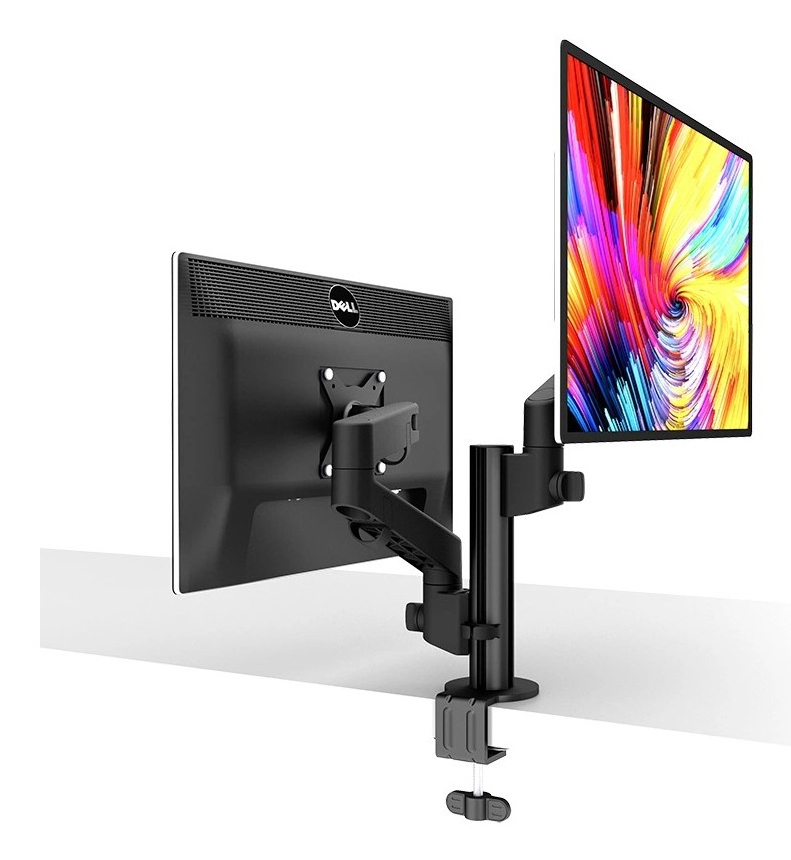
Urban Factory SINGLE: EVOLUTIVE DUAL MONITOR ARM
HP Desktop Mini Chassis Tower Stand
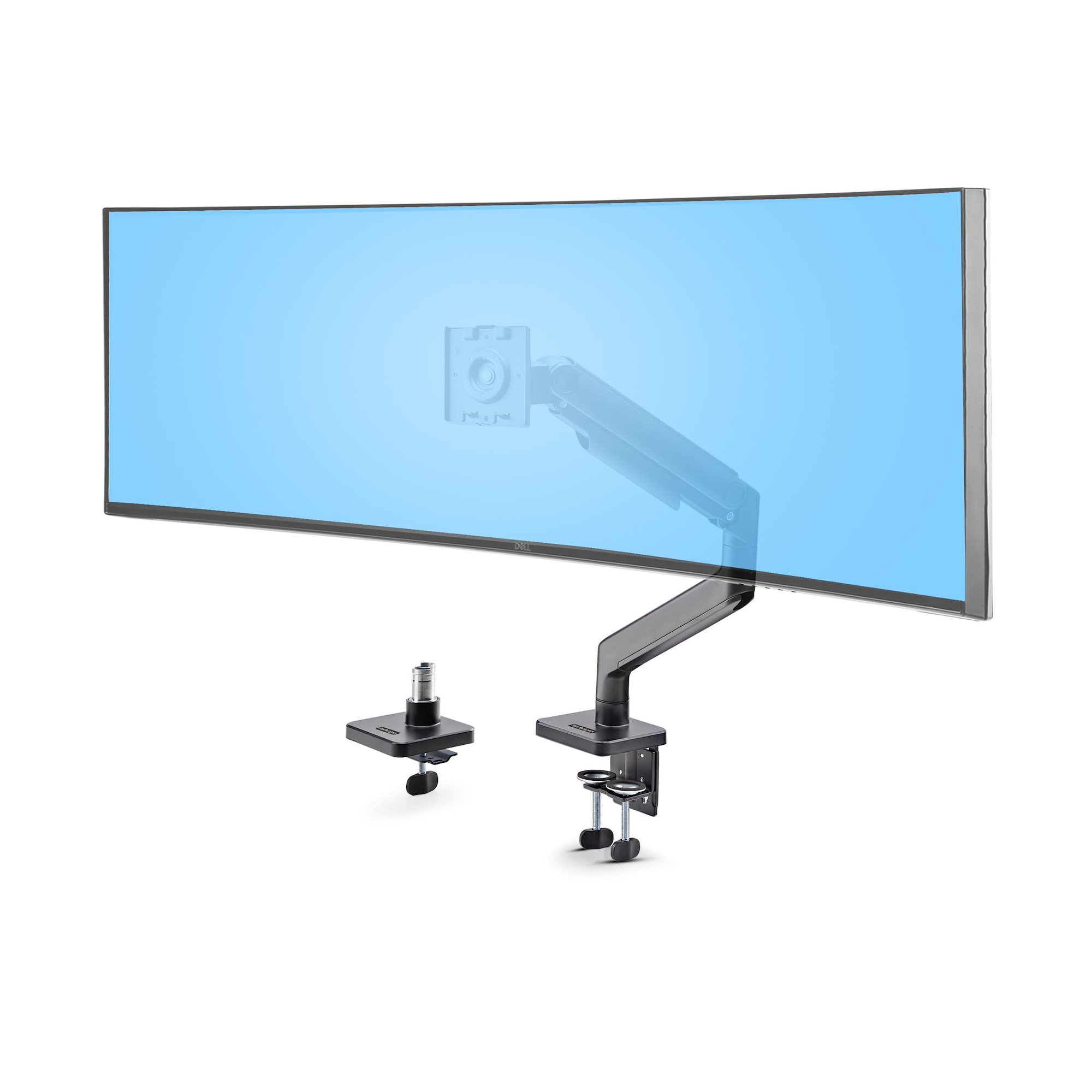
StarTech.com Monitor Desk Mount for up to 49in 32:9 Ultrawide Curved Screens, Mechanical Spring Arm, C-Clamp/Grommet, Tool-Less Adjustment, Max 44lb/20kg
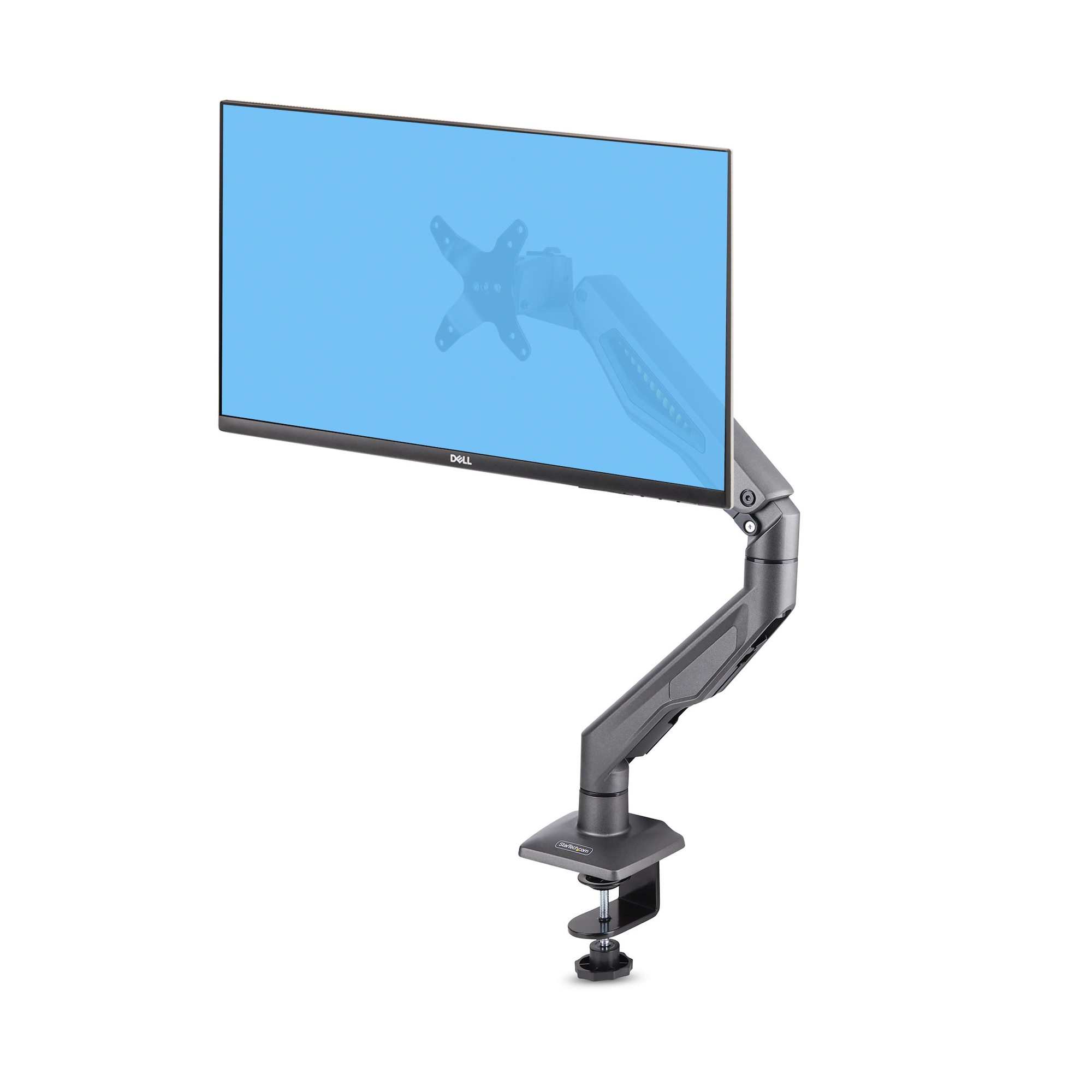
StarTech.com Desk Mount Monitor Arm, Up To 32" Display, Max 22lb/10kg, VESA 75x75/100x100, C-Clamp, Fully Articulating, Mechanical Spring, TAA-compliant
StarTech.com Desk Mount Dual Monitor Arm with Crossbar, Up To 27" Displays, VESA 75x75/100x100, Max 33lb/15kg, C-Clamp, Fully Articulating, Mechanical Spring, TAA
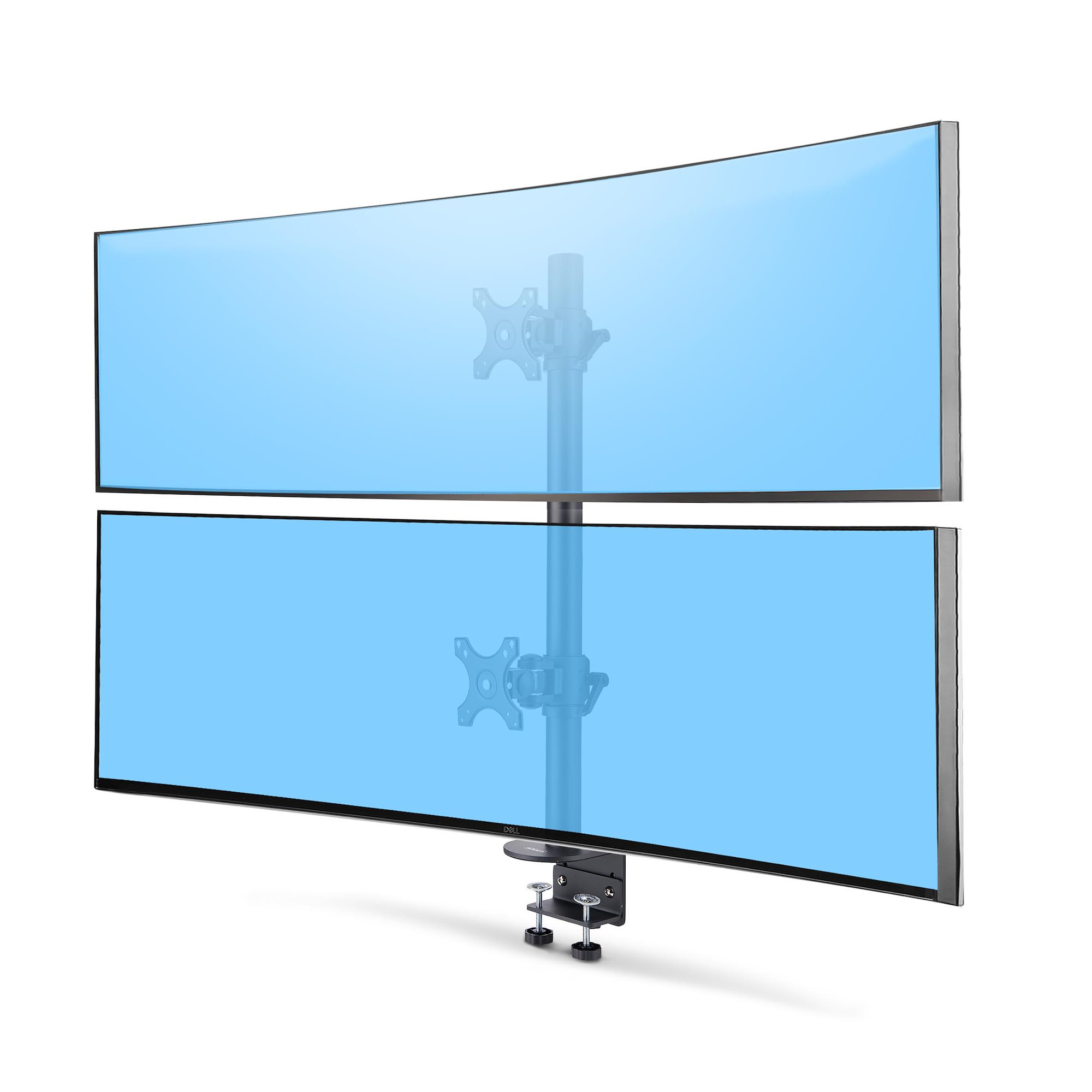
StarTech.com Desk Mount For 2x Vertically Stacked Monitors, Dual 49", Total 70lb (32kg), C-Clamp, Quick-Release VESA System, Widescreen 16:9/Ultrawide 32:9, TAA
Amer HYDRA2 monitor mount / stand 71.1 cm (28") Clamp Black,Chrome,White
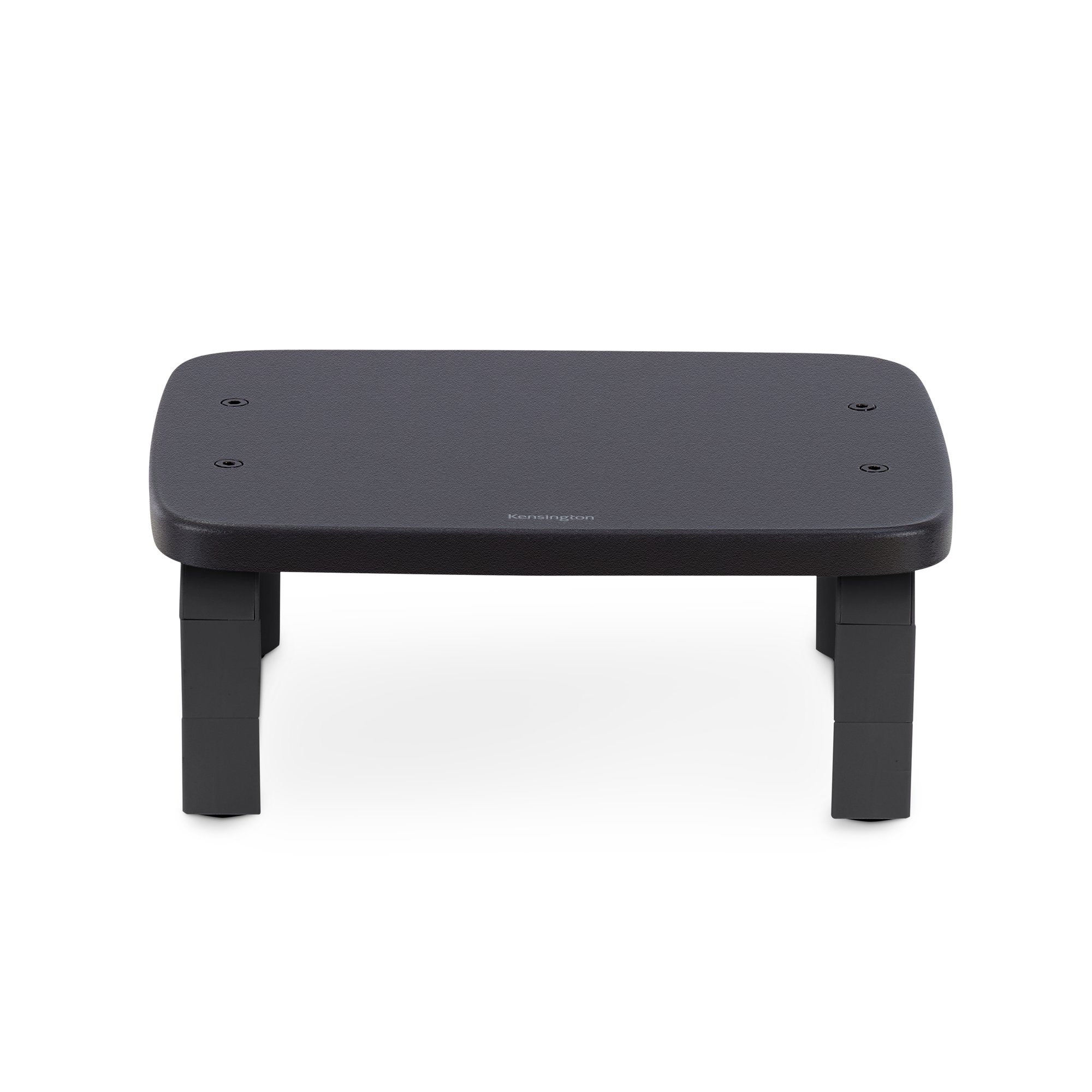
Kensington SmartFit® Monitor Stand for up to 21" screens — Black
Loading more
Total 245 products

FAQs:

  • What size monitor stand do I need? Measure the width of your monitor's base to ensure it fits within the stand's dimensions. Opt for adjustable stands for flexibility.
  • Do monitor arms improve workstation ergonomics? Yes, monitor arms enhance workstation ergonomics by allowing you to adjust the screen height, angle, and distance for optimal viewing comfort and posture support.
  • How do I know if a monitor is mountable? Check for VESA mounting holes on the back. Most monitors have them. If unsure, consult the product manual or manufacturer's specifications.
SEARCH ×

Search