
Mobile & iPad Keyboards
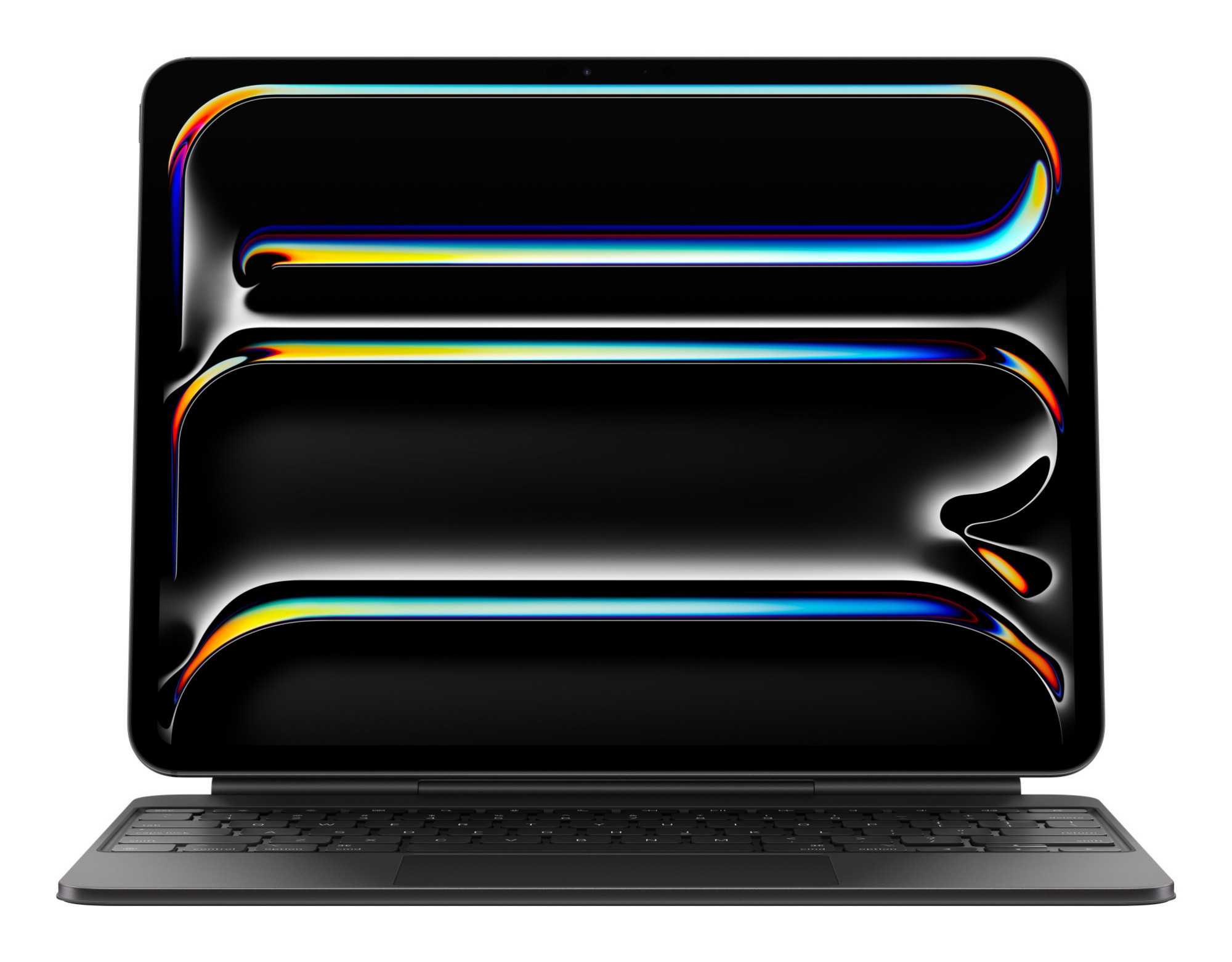
Enhance the comfort and efficiency of your typing experience with our mobile and iPad keyboards. While on the go, you can stay productive and reduce strain caused from on-screen keyboards. Ideal for writing and editing, our mobile and iPad keyboards transform devices into versatile tools, allowing you to stay on top of deadlines wherever you are. Additionally, they are compact and lightweight, making them easily transportable. Using Bluetooth connectivity, you can stay online during commutes or in-person meetings.
Explore our collection of tablet computers, compatible with our detachable keyboards.


Can you use a wireless keyboard with an iPad?
Yes, most wireless keyboards are compatible with iPads.
How do you connect a wireless keyboard with an iPad?
Firstly, turn on devices before enabling Bluetooth connectivity on both. You can do this by going through your iPad’s settings. Once Bluetooth is turned on, tap on ‘available devices’ and find your keyboard on the list before tapping to pair. You may be given some additional on-screen instructions to follow too.
How do you clean an iPad keyboard?
The best way to clean a mobile or iPad external keyboard is to gently wipe the surface using a lint-free cloth that’s been slightly dampened with water or a mild cleaner. You shouldn’t use harsh chemicals on keyboards, and you should always try and avoid moisture from getting trapped between the keys.
