
Keyboards
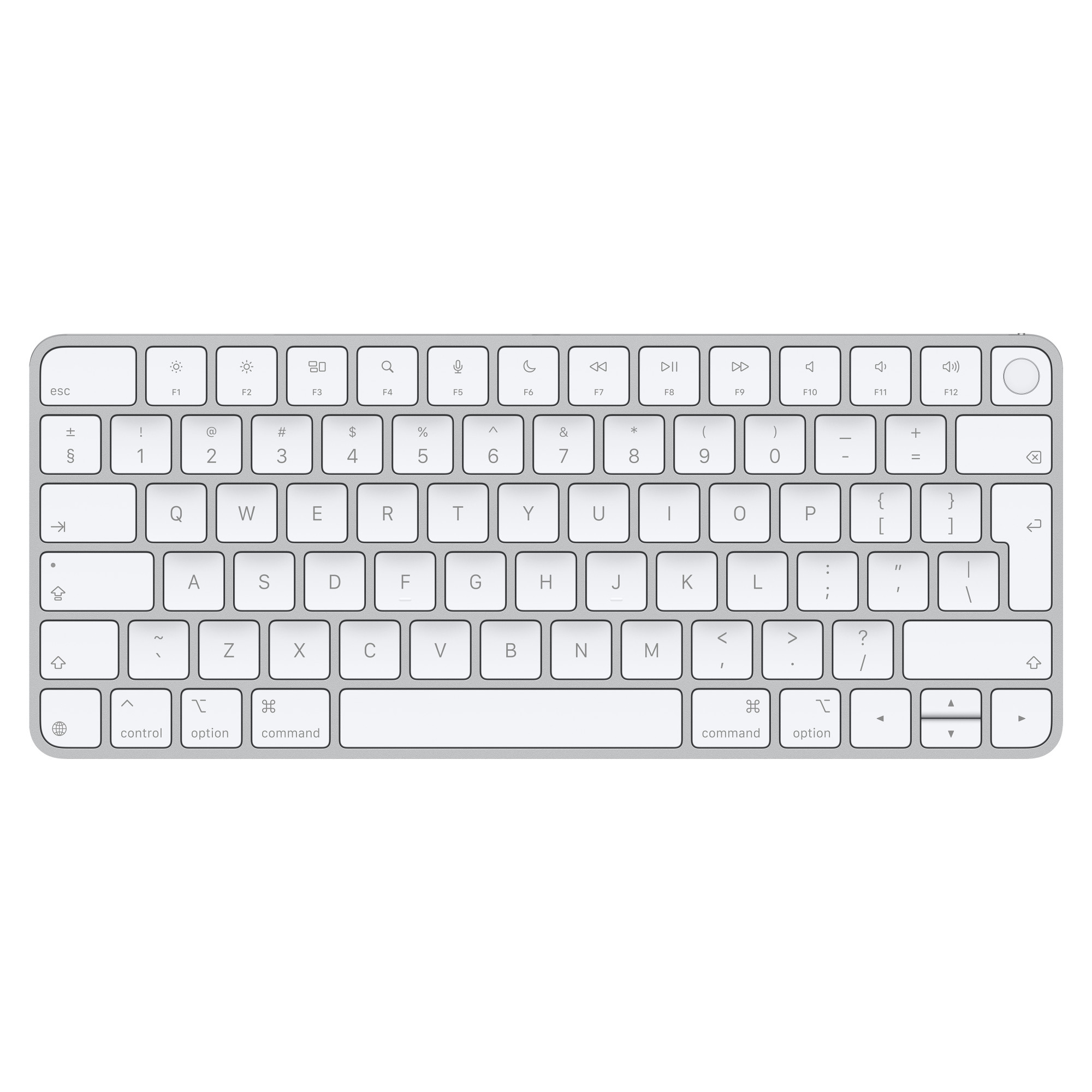
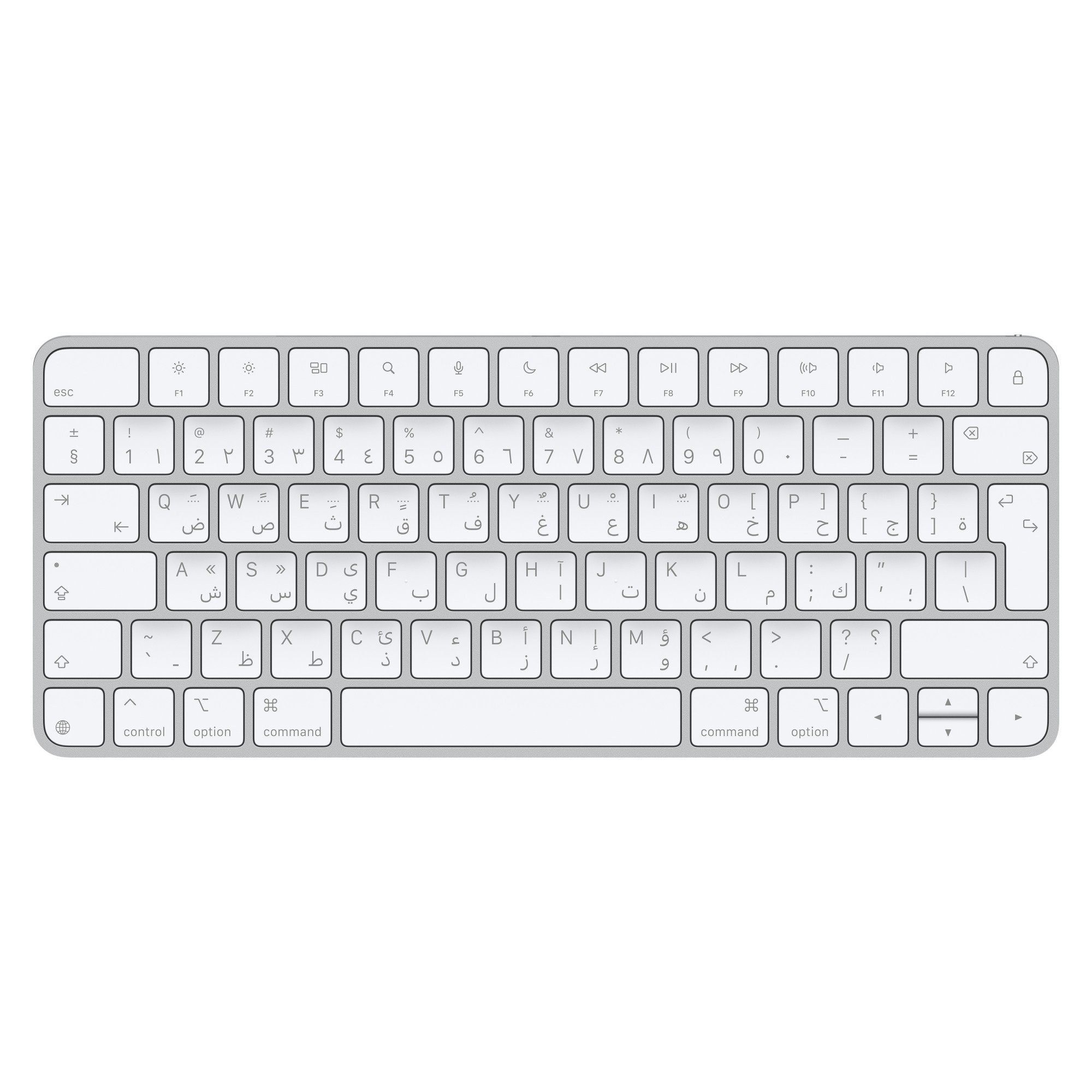
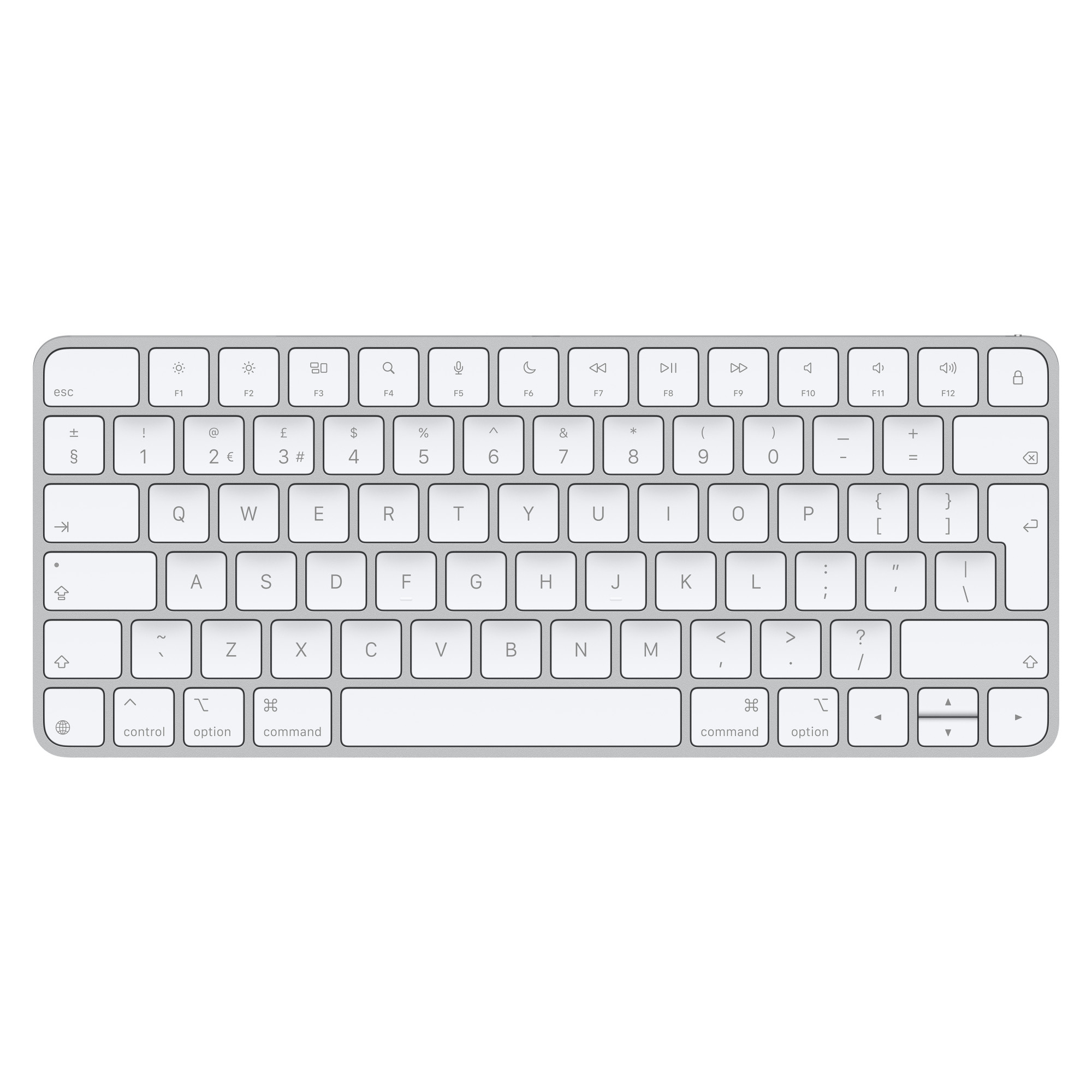
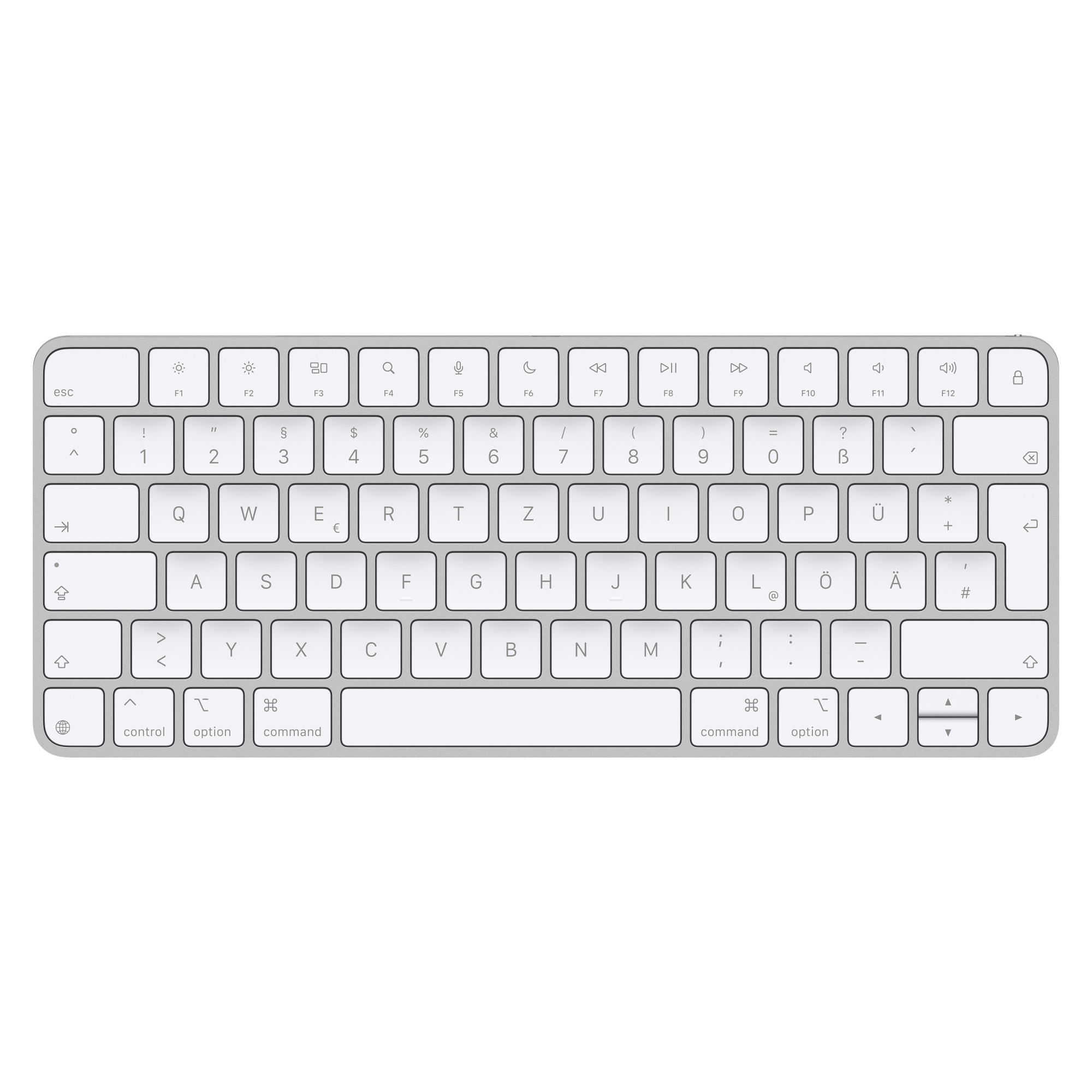
Keyboards are essential for the use of computers. Not only do they provide you with a means of writing but also executing commands, keeping you efficiently productive. Enhance your input speed, allowing you to keep on top of your tasks and boost your productivity. If you require extra comfort, our ergonomic styles significantly reduce strain, improving your typing efficiency when inputting high levels of data. In terms of educational use, our keyboards will vastly enhance typing development.
Discover our selection of computer mice for a full set-up.
How do you type on a keyboard?
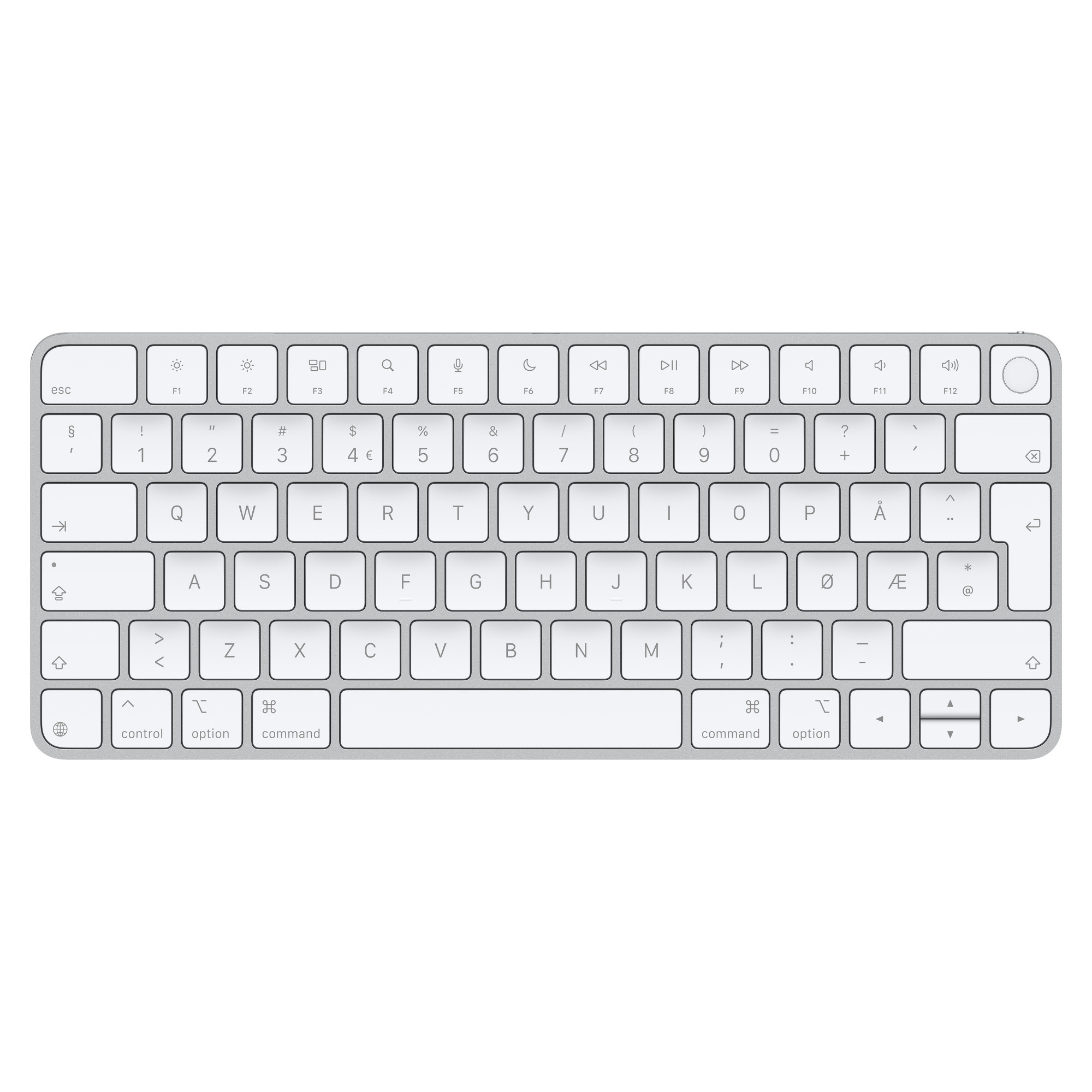
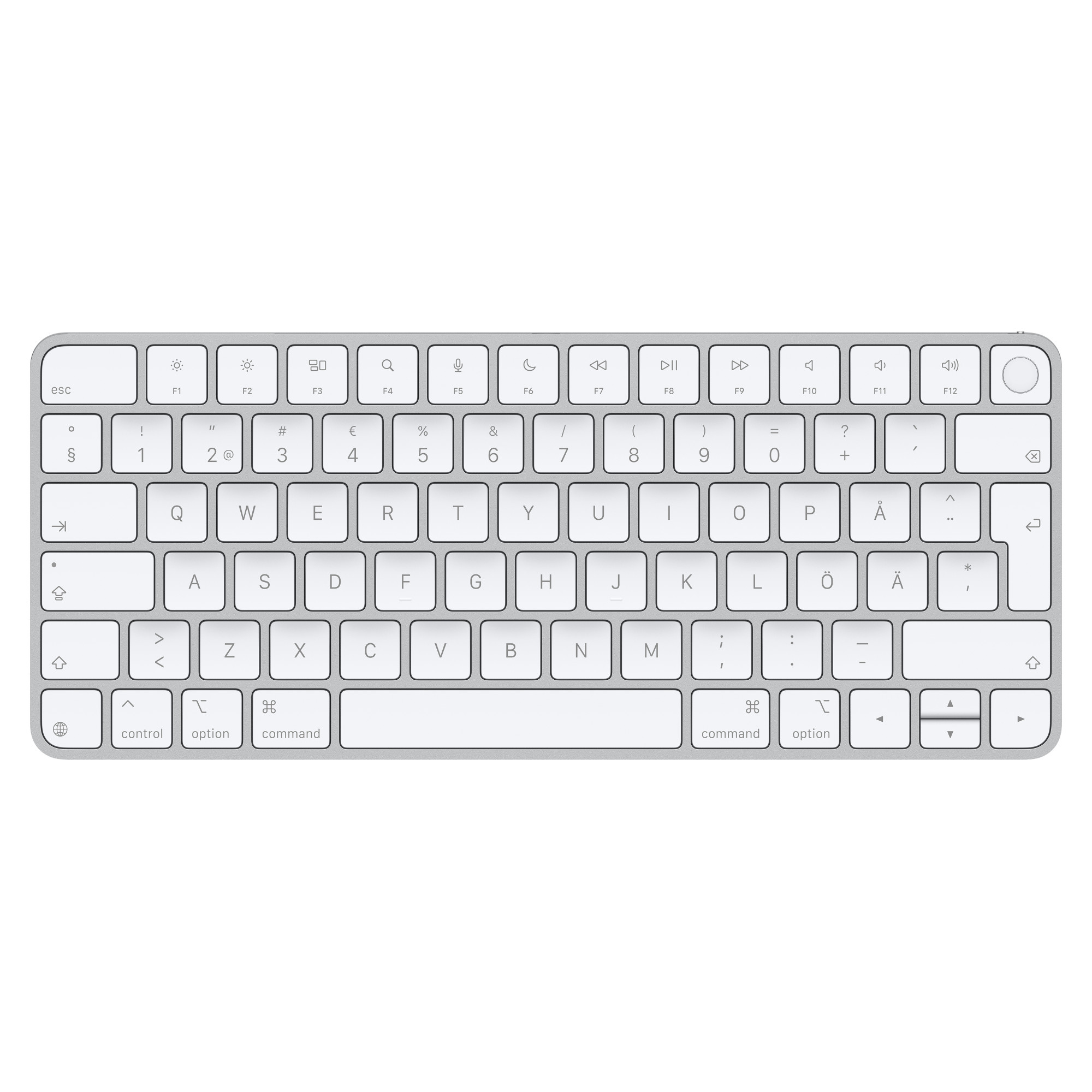
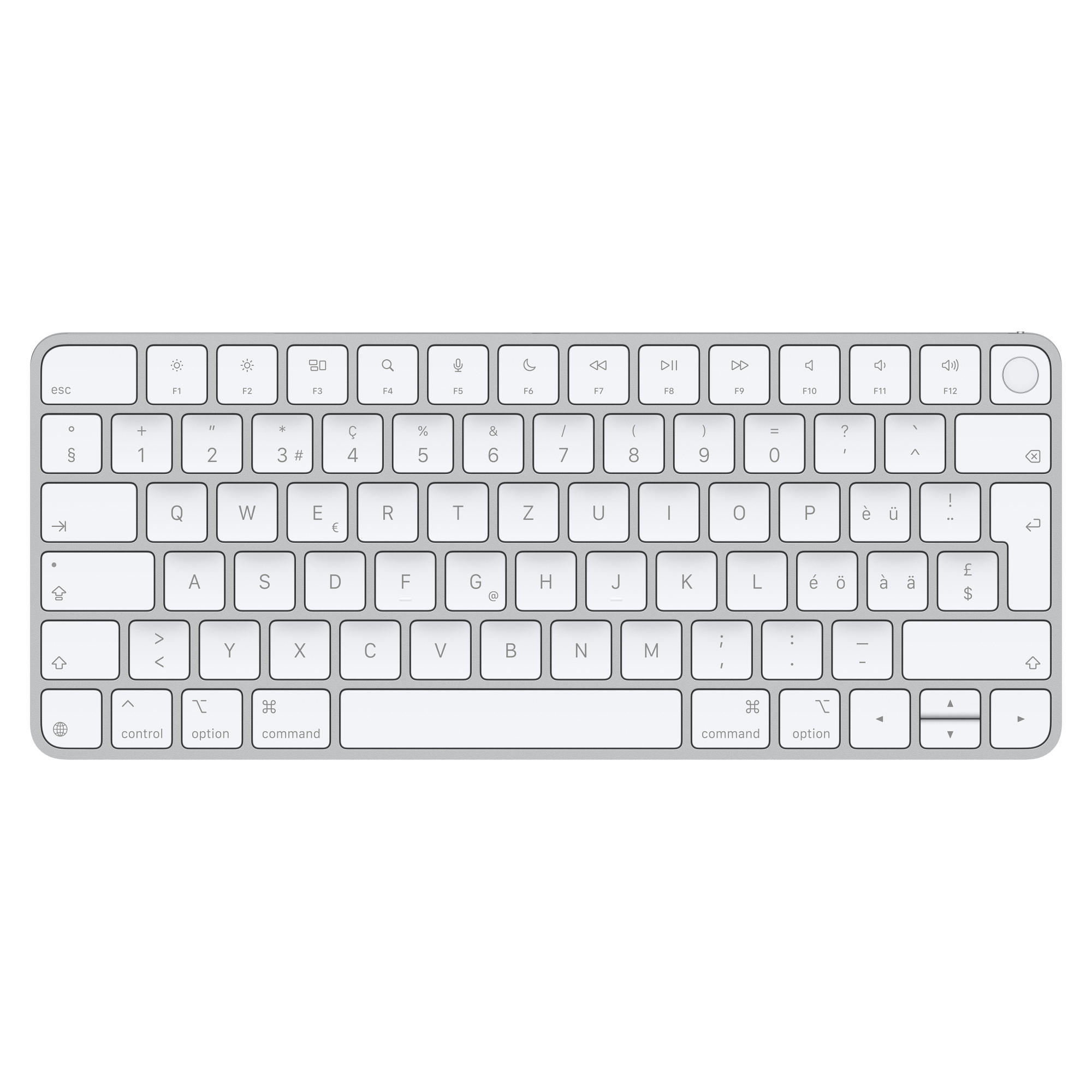
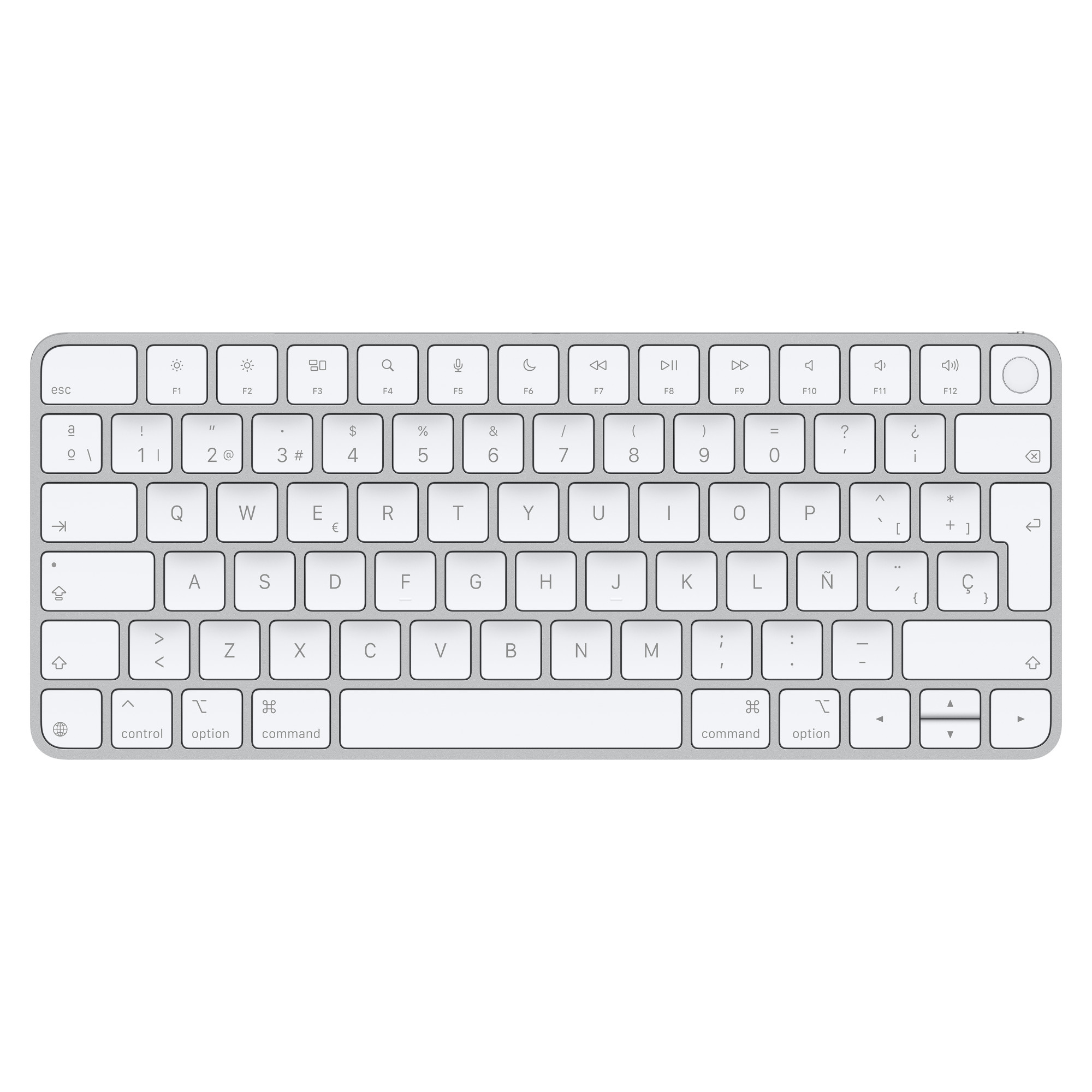
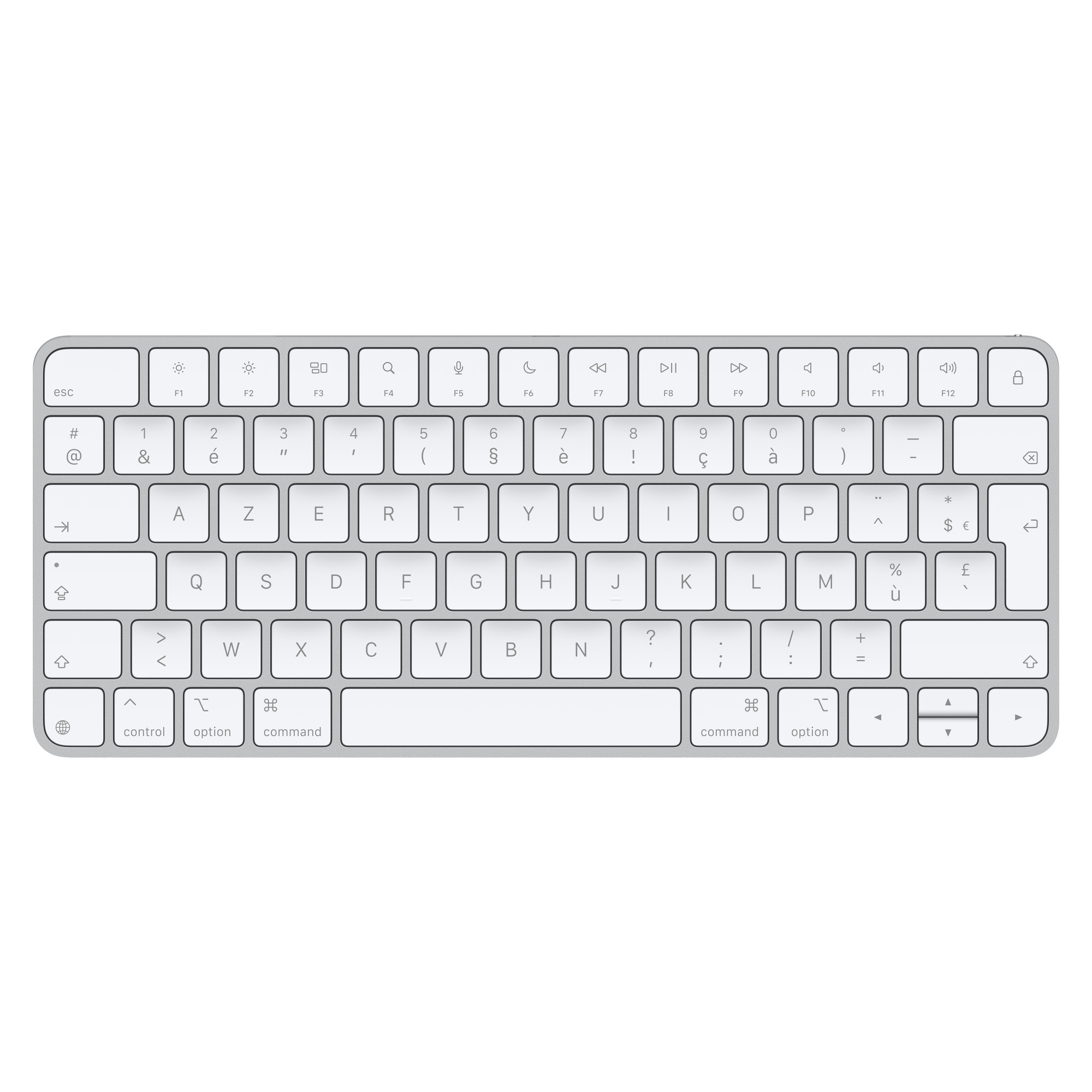
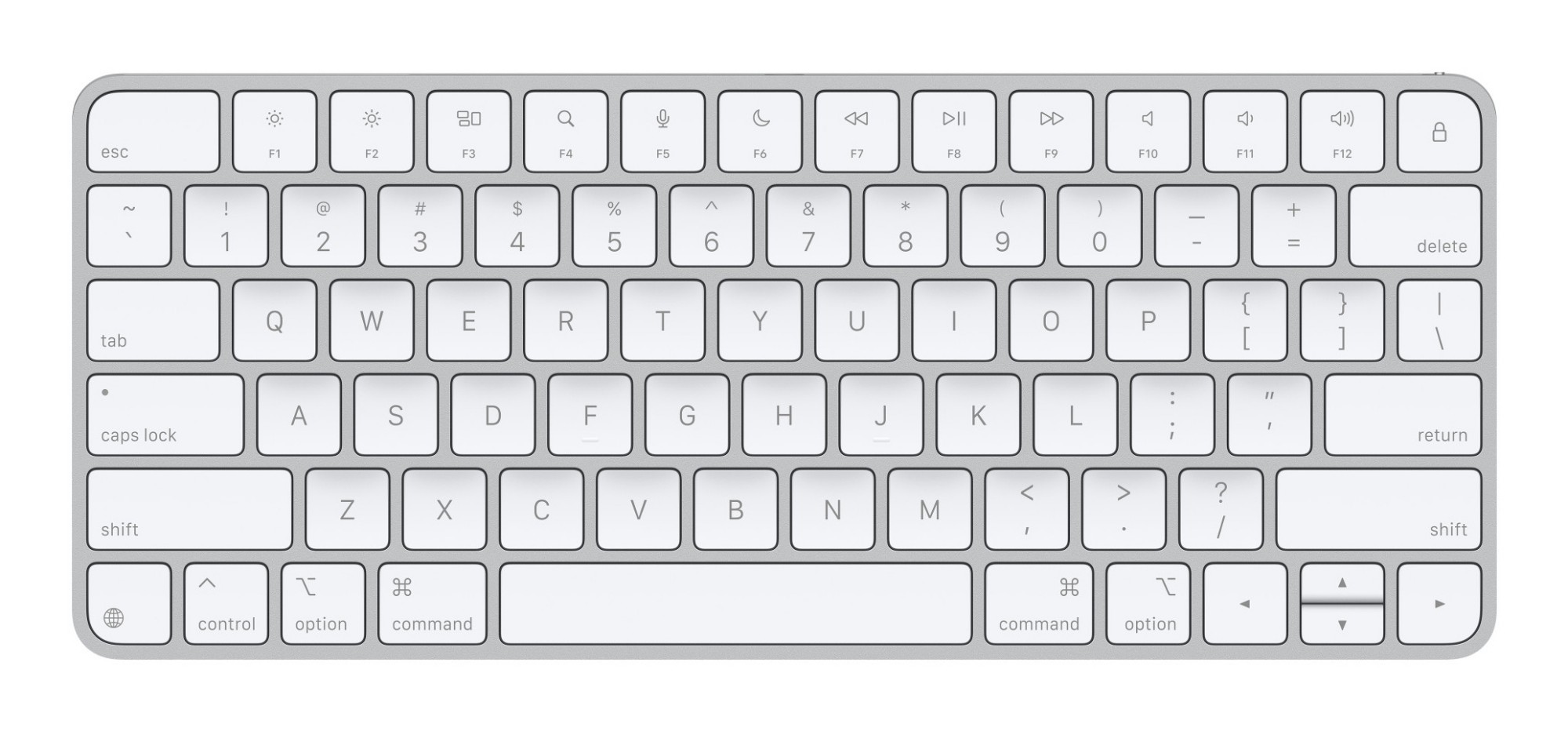
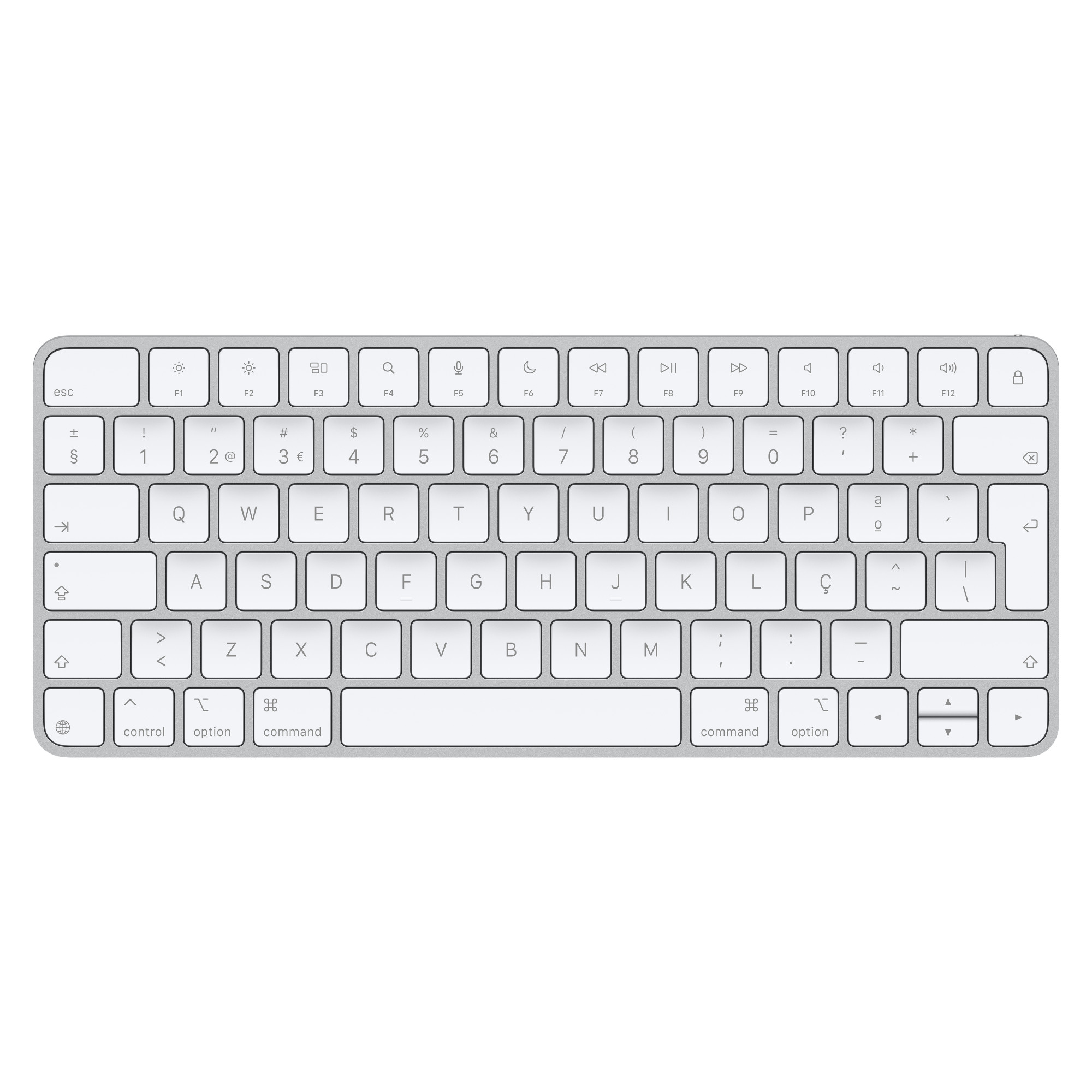
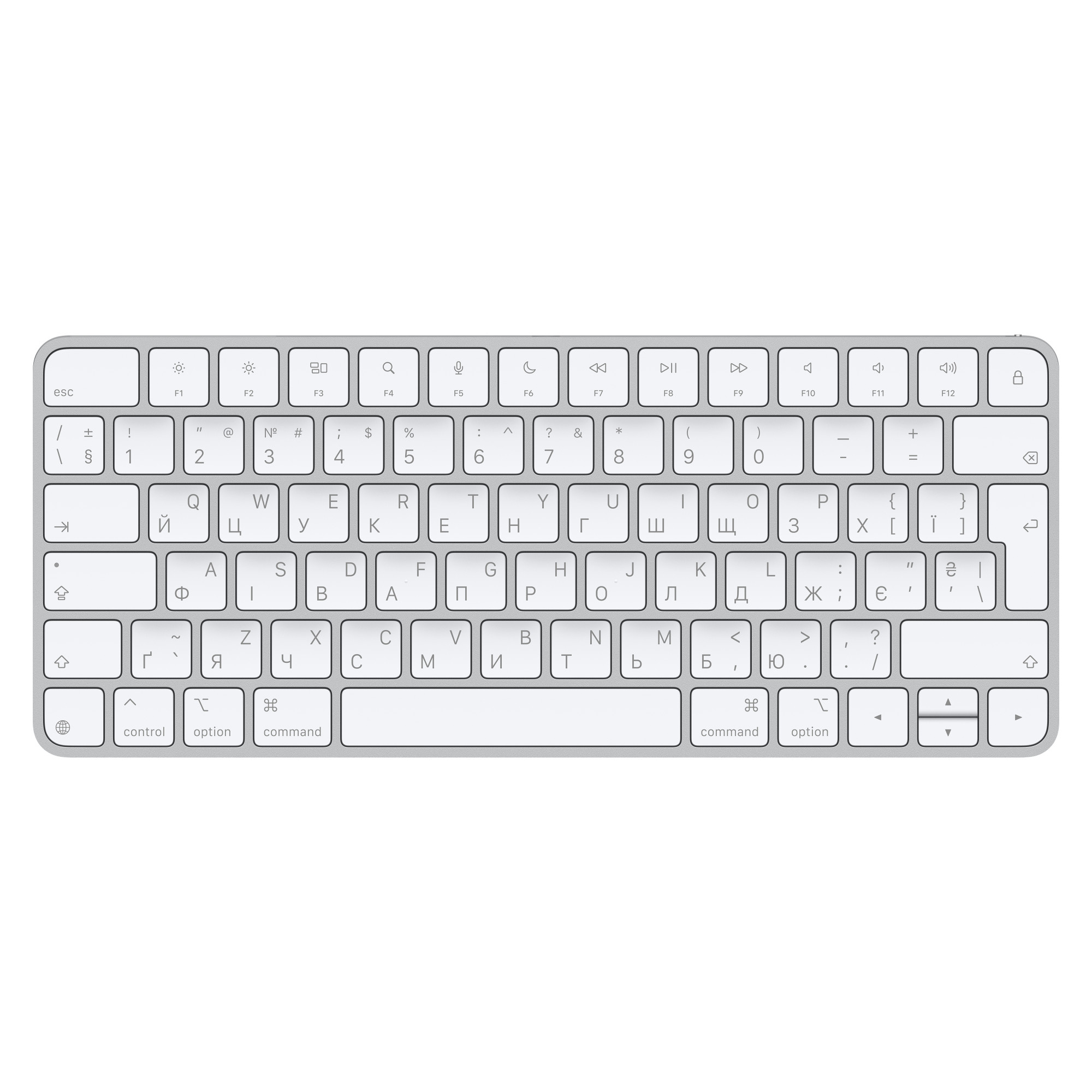
To type on a keyboard, you’ll want to start by placing your fingers on the home row keys which are A, S, D, F for the left hand and J, K, L for the right hand. Usually, the thumbs will take control of the spacebar.
How do you make euro sign on a keyboard?
Unfortunately, you cannot make a euro sign on a standard Microsoft keyboard. Instead, head to the ‘insert’ tab at the top of the page and click ‘symbols’ to find a euro sign.
How do you undo on a keyboard?
To undo an action using your keyboard, all you need to do is press ‘ctrl + Z’.
