
Search & Filter
Interactive Whiteboards
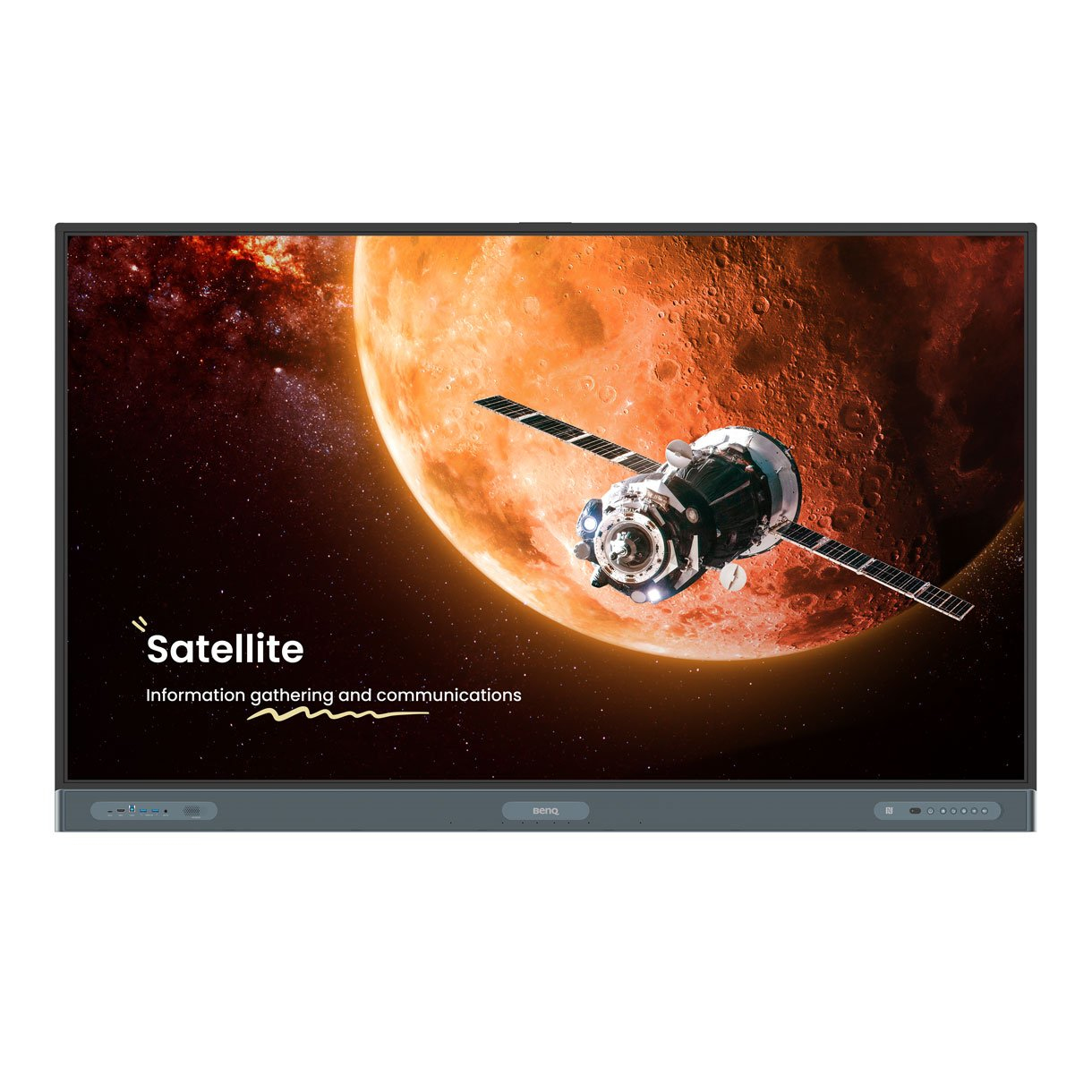
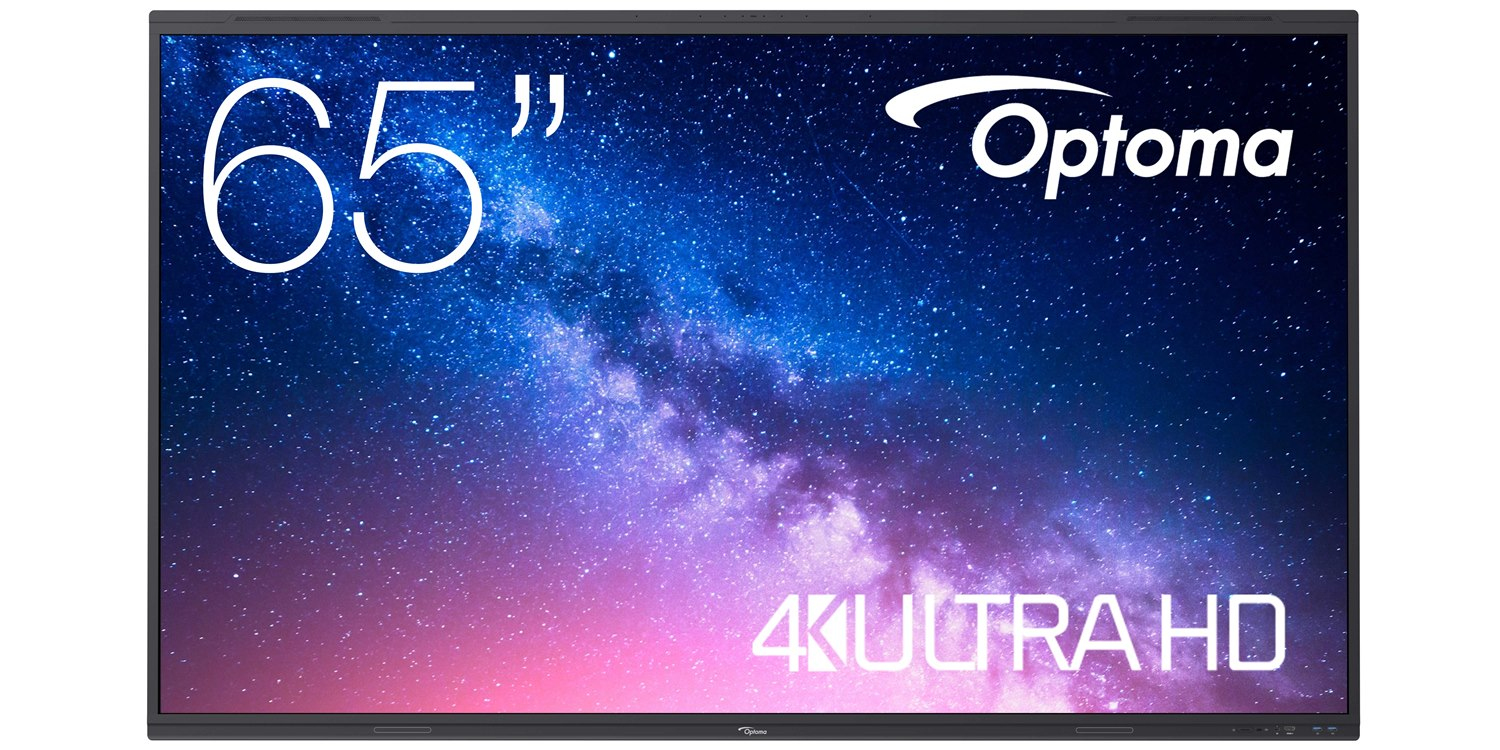
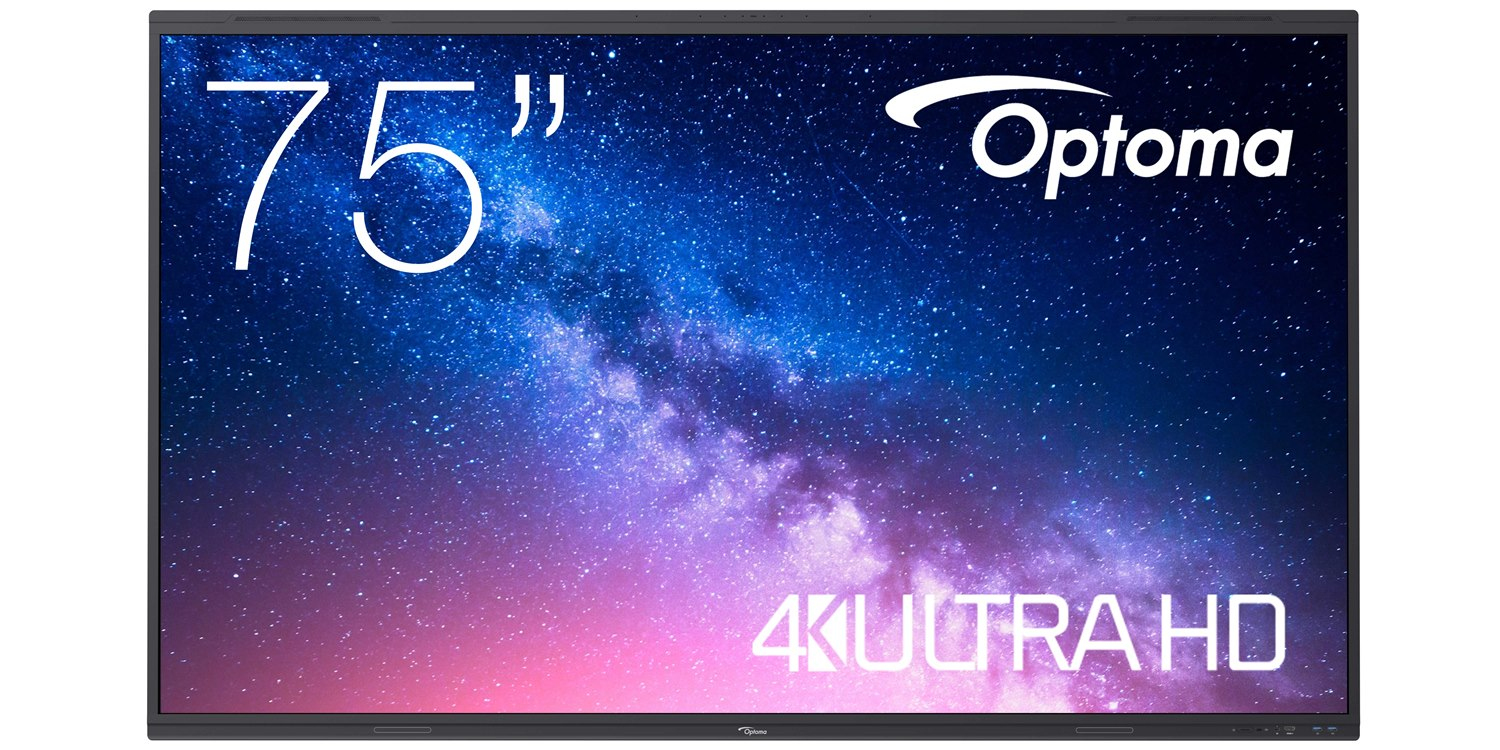
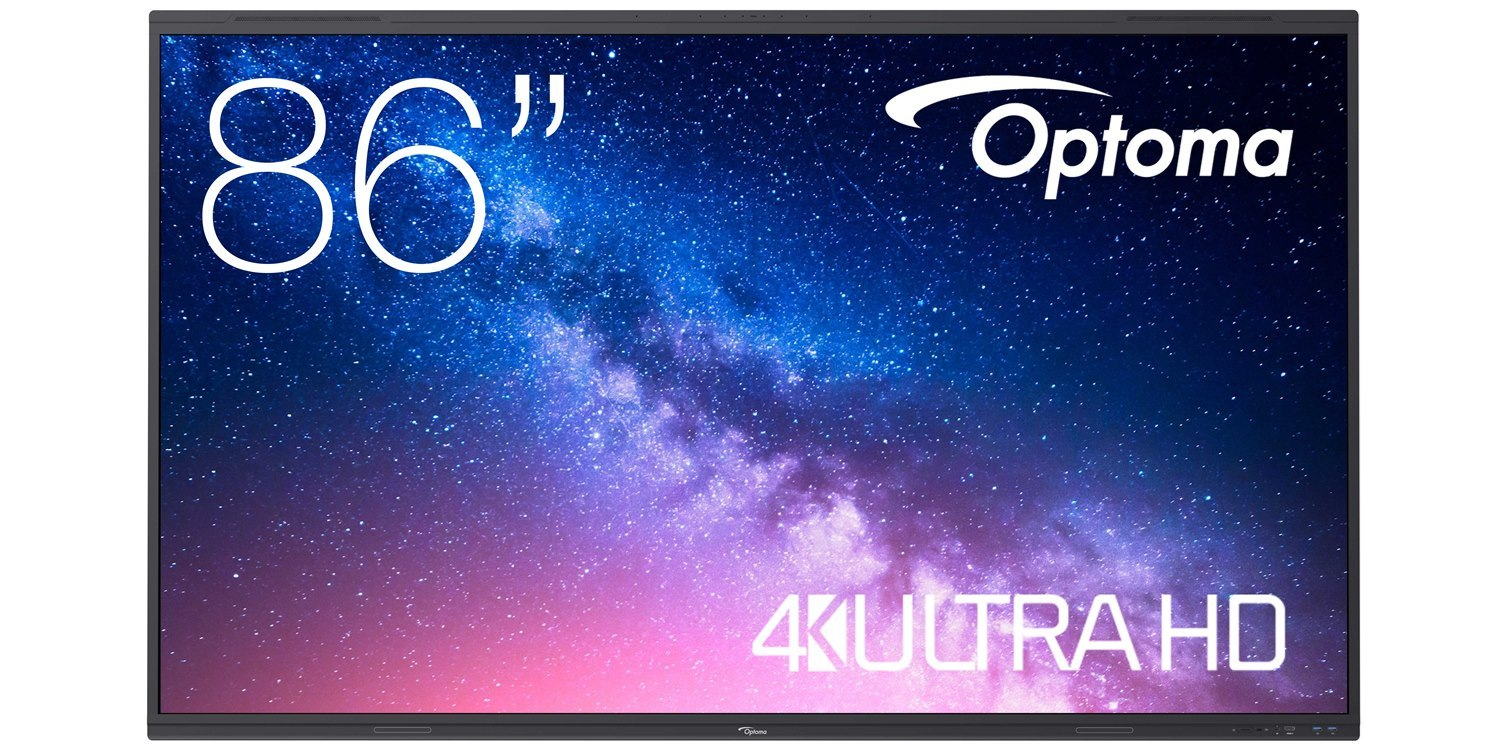
Whether professionally or for educational purposes, enhance the engagement and interaction of your audience with interactive whiteboards. Their versatile nature makes for streamlined project planning and teaching, while encouraging collaboration between groups.






Loading more
FAQs:
- How do you use an interactive whiteboard in the classroom? Interactive whiteboards are versatile and adaptable for a range of uses. From delivering presentations to getting the class involved in an interactive educational game, interactive whiteboards for schools are invaluable for learning and development.
- How does an interactive whiteboard work? How an interactive whiteboard works will depend on its type. For example, resistive touch whiteboards detect touch through pressure on the surface of the board. On the other hand, infrared whiteboards use infrared lighting and sensors. When purchasing from Purple Panda, you’ll be given a user manual, making it clear for how to use your whiteboard.
- How do you connect an iPad to an interactive whiteboard wirelessly? In most cases, you can use the iMirror app if you want to display what’s on your iPad’s screen.
