
Search & Filter
Privacy Screen Protectors
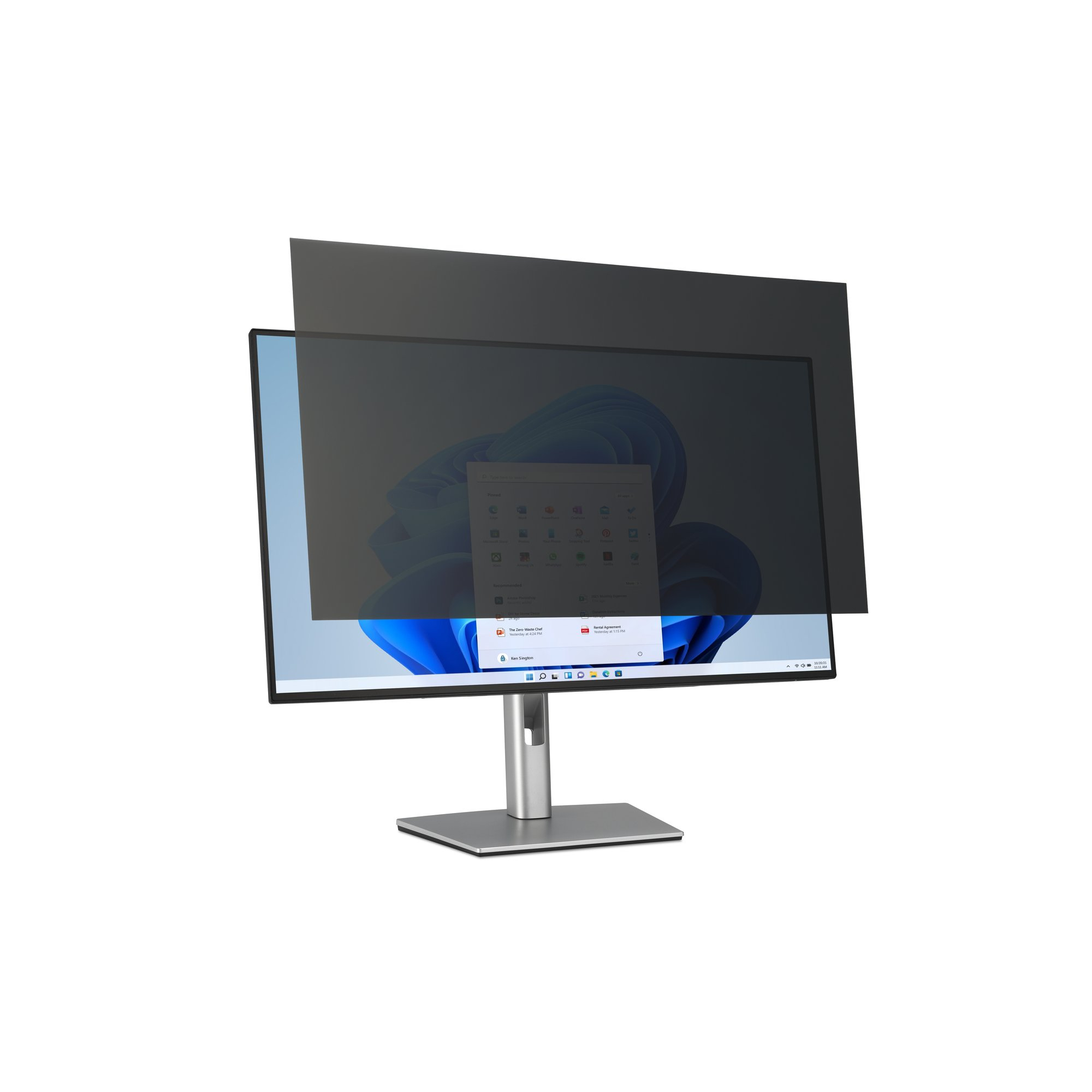
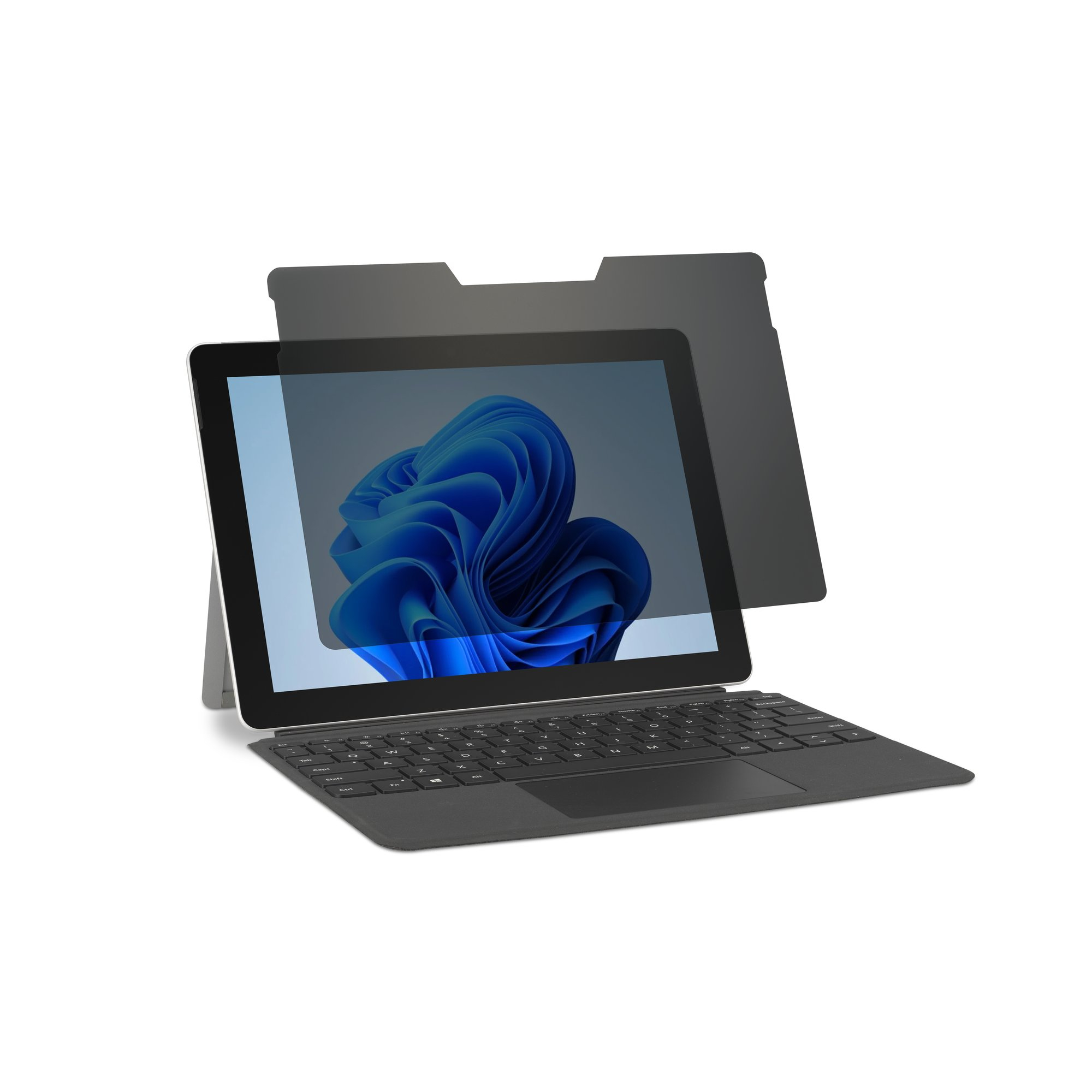
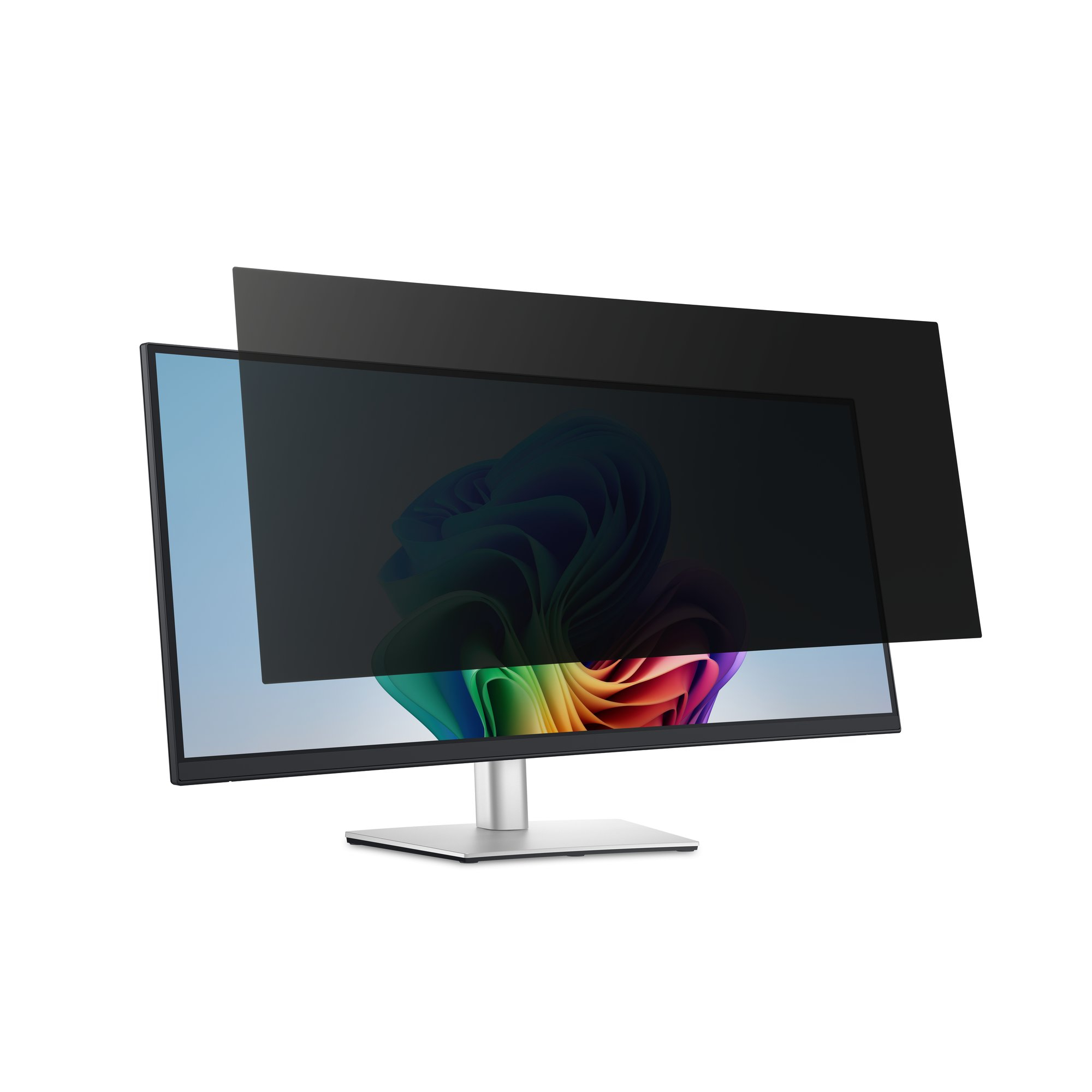
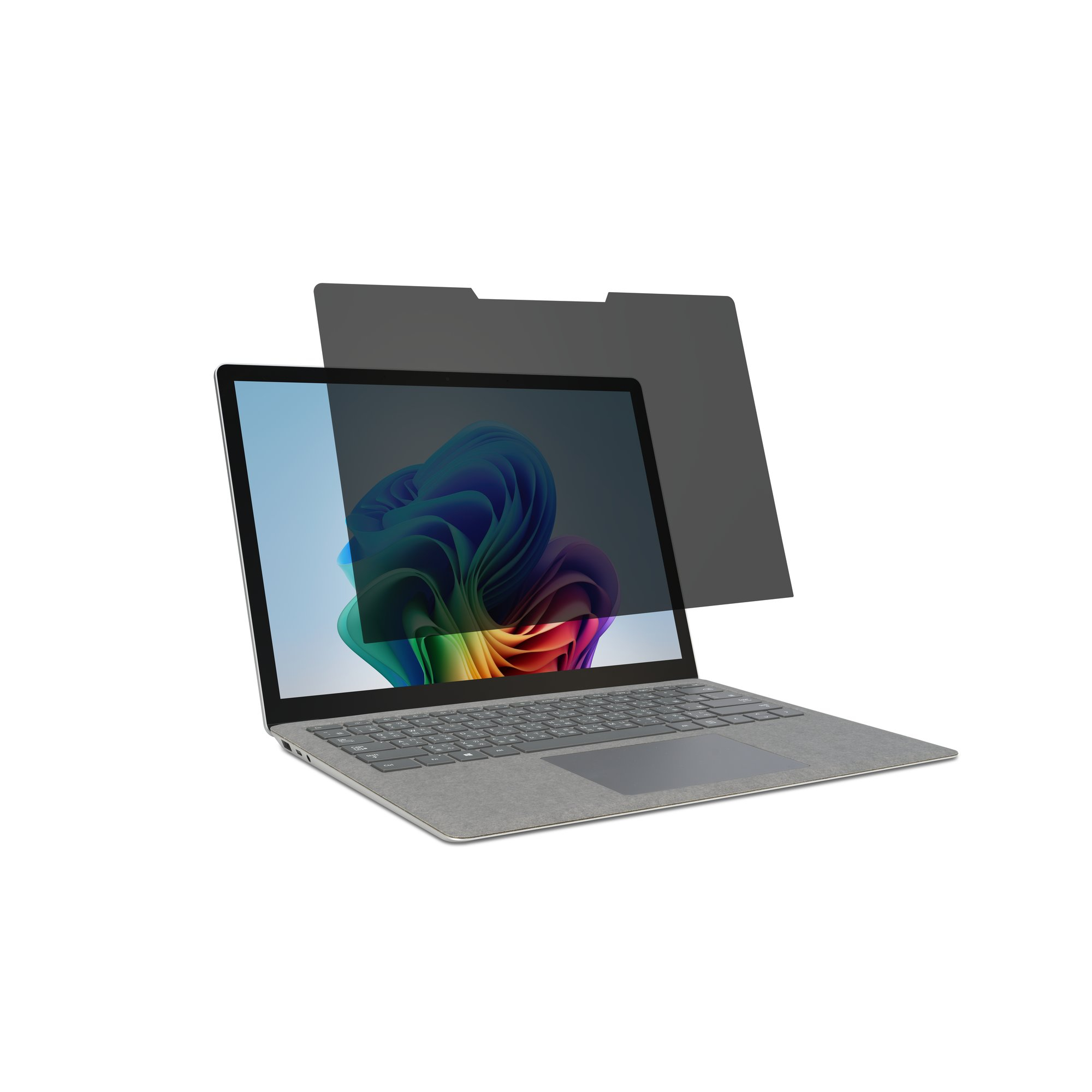
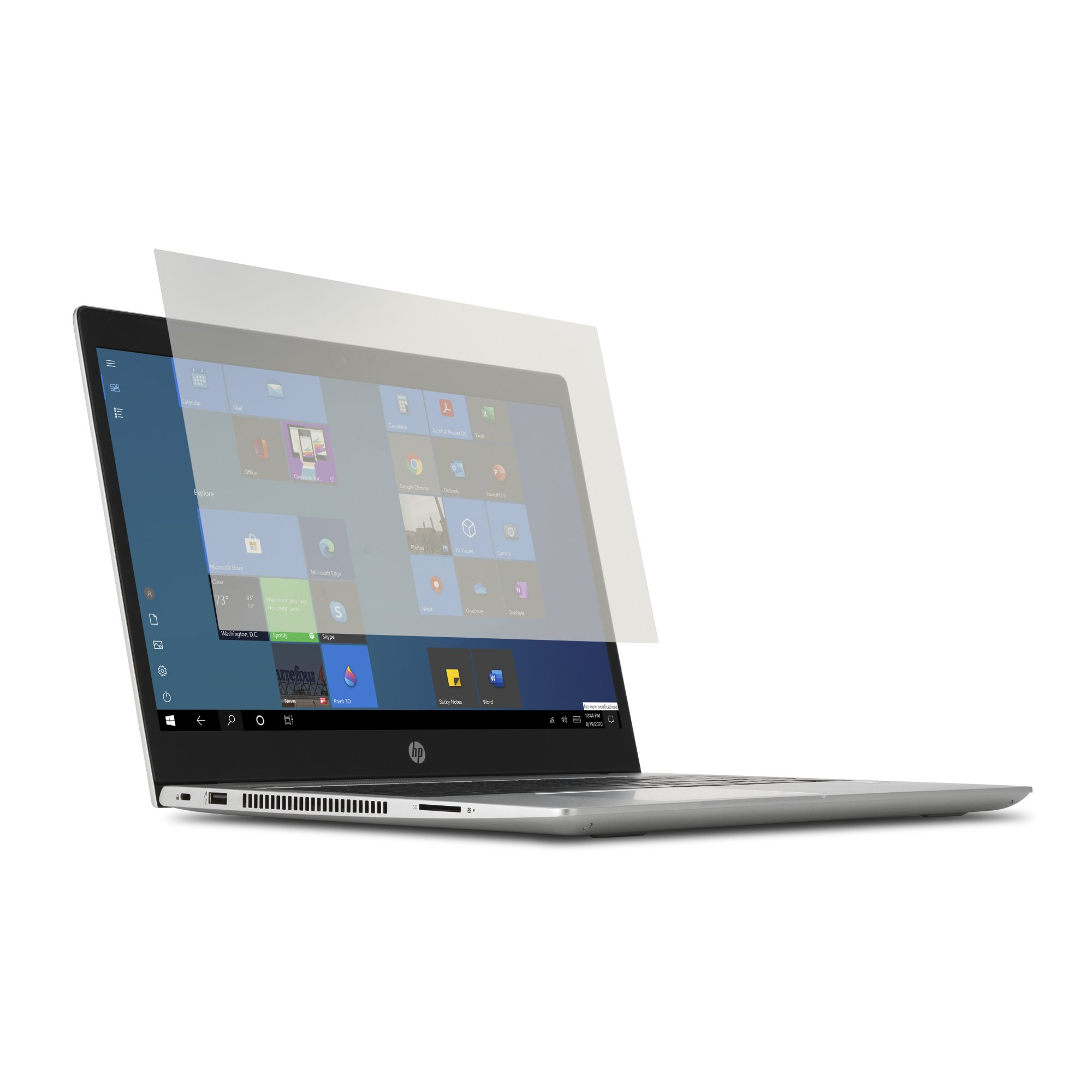
Enhance your privacy and protect sensitive information with our privacy screen filters for your laptop or computer. Tailored for small business owners like you, these filters limit viewing angles, ensuring confidential data stays private. Easy to install and compatible with various devices, from desktop PCs to 2-in-1 laptops, they offer practical solutions for safeguarding your work. Enjoy peace of mind knowing your screen content remains visible only to you, even in busy office environments.

Loading more
FAQs:
- What does a privacy screen filter do? A privacy screen filter prevents unauthorised viewing of your device's screen, shielding sensitive information from prying eyes. It limits the viewing angle, ensuring that only the user can see the content displayed on the screen.
- Are privacy screen filters good for your eyes? Privacy screen filters don’t affect screen brightness or clarity, so they’re safe to use. However, prolonged screen use can still cause eye strain, so it's essential to take regular breaks and practice good screen viewing habits.
- How do I keep my screen private? You can keep your screen private by using a privacy screen filter, adjusting your screen's brightness and angle and being mindful of your surroundings.
