0 €0.00
products in your basketto quote Checkout
Ooops no items were found.
Try something else.
Ok
Loading…
Search & Filter

Computer Monitors

152 products found
Sort by
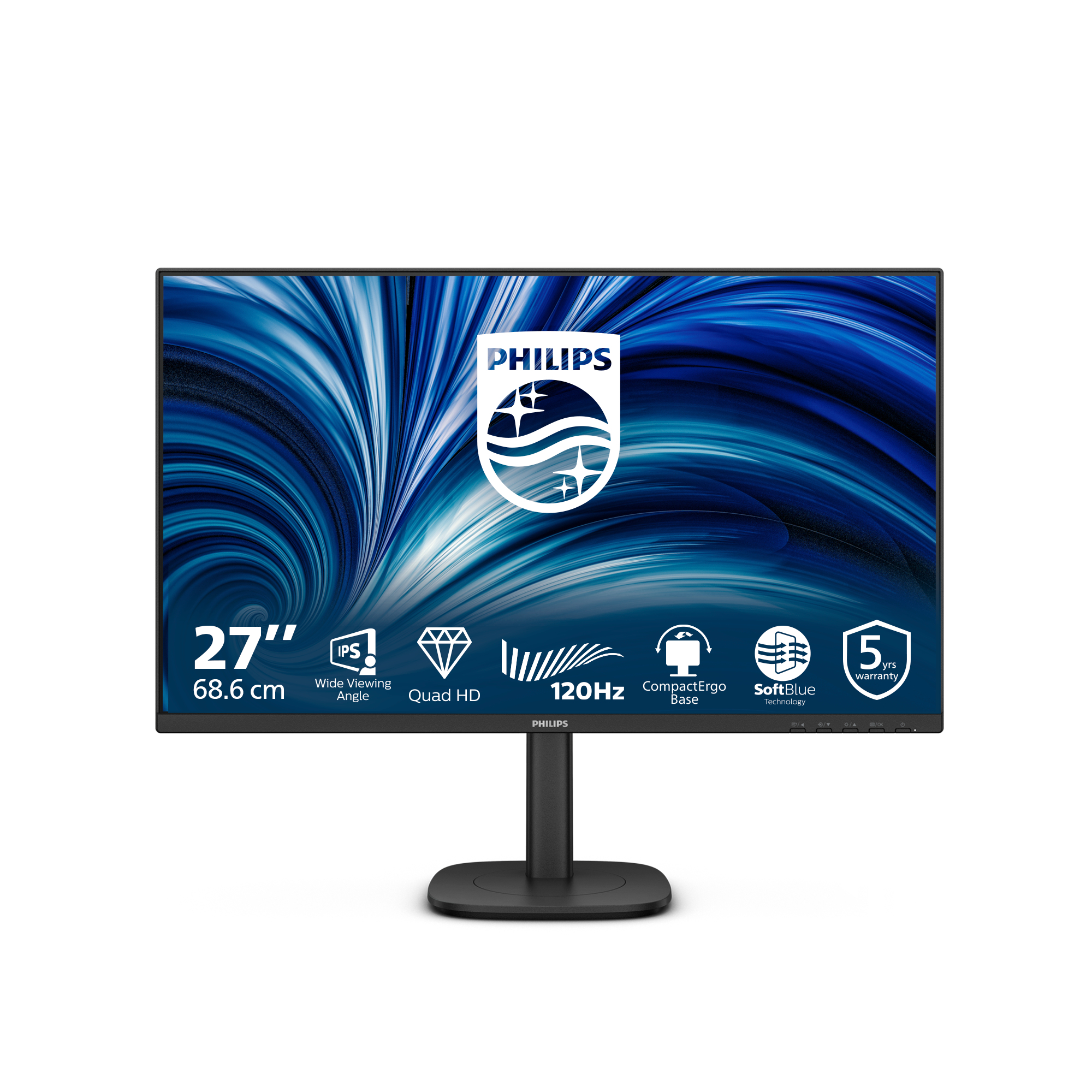
Philips 5000 series 27B2G5500/00 computer monitor 68.6 cm (27") 2560 x 1440 pixels Quad HD LCD Anthracite
Philips 5000 series 27B2G5601/00 computer monitor 68.6 cm (27") 2560 x 1440 pixels Quad HD LCD Black
Philips 27B2N3500J/00 computer monitor 68.6 cm (27") 2560 x 1440 pixels 2K LCD Black
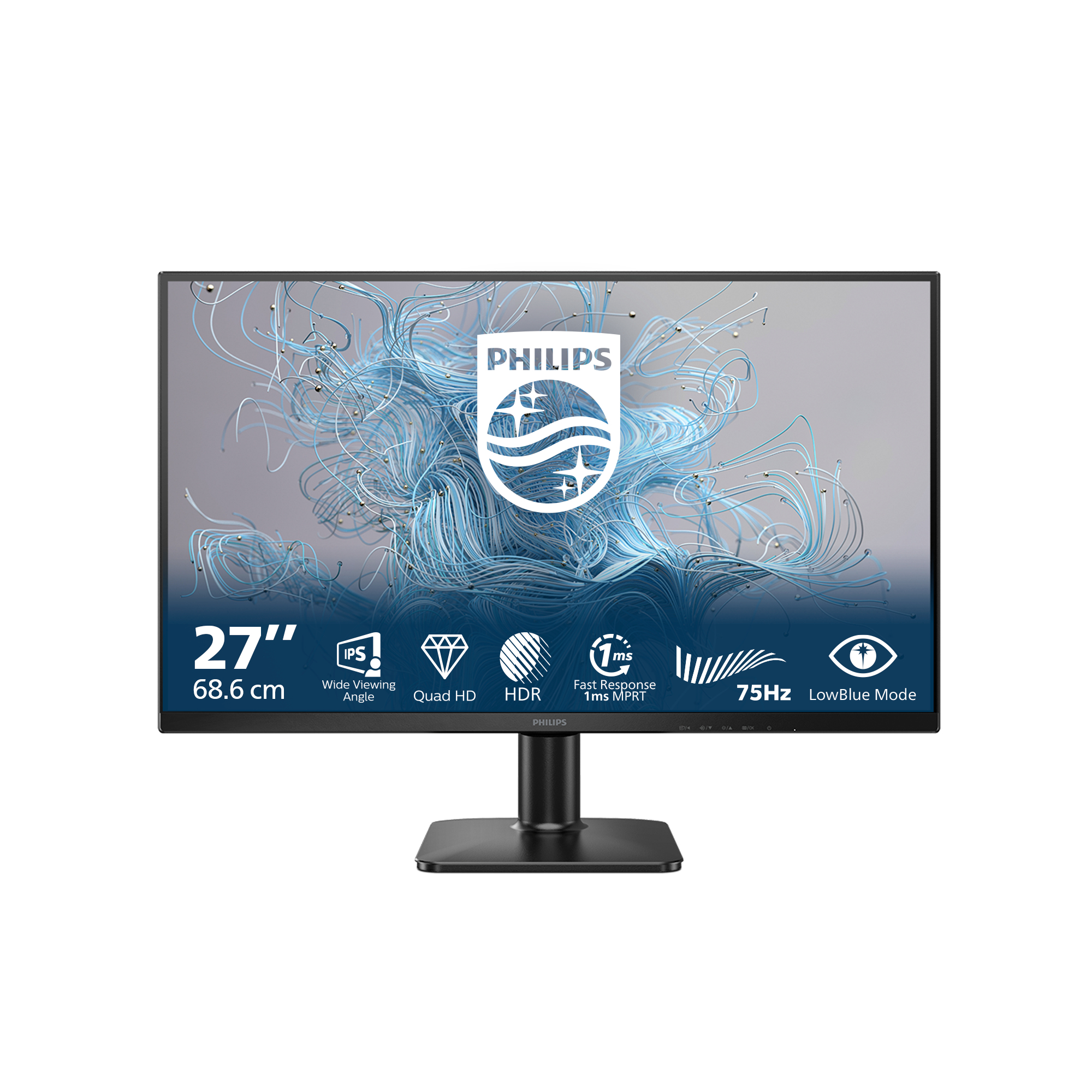
Philips 4000 series 27B2N4500/00 computer monitor 68.6 cm (27") 2560 x 1440 pixels Quad HD LCD Grey
Philips 3000 series 27B2U3601/00 computer monitor 68.6 cm (27") 2560 x 1440 pixels Quad HD LCD Black
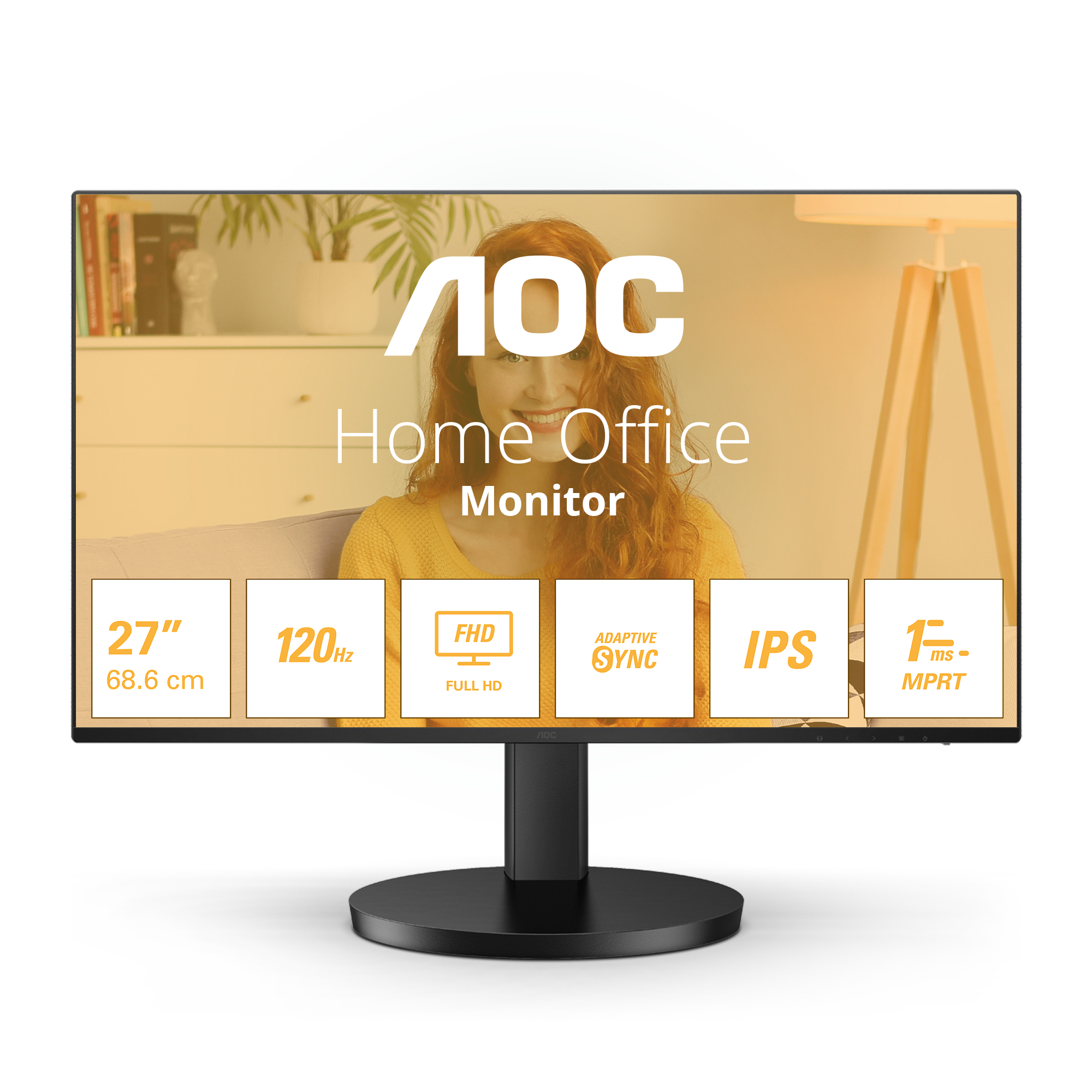
AOC B3 27B3HA2 LED display 68.6 cm (27") 1920 x 1080 pixels Full HD Black
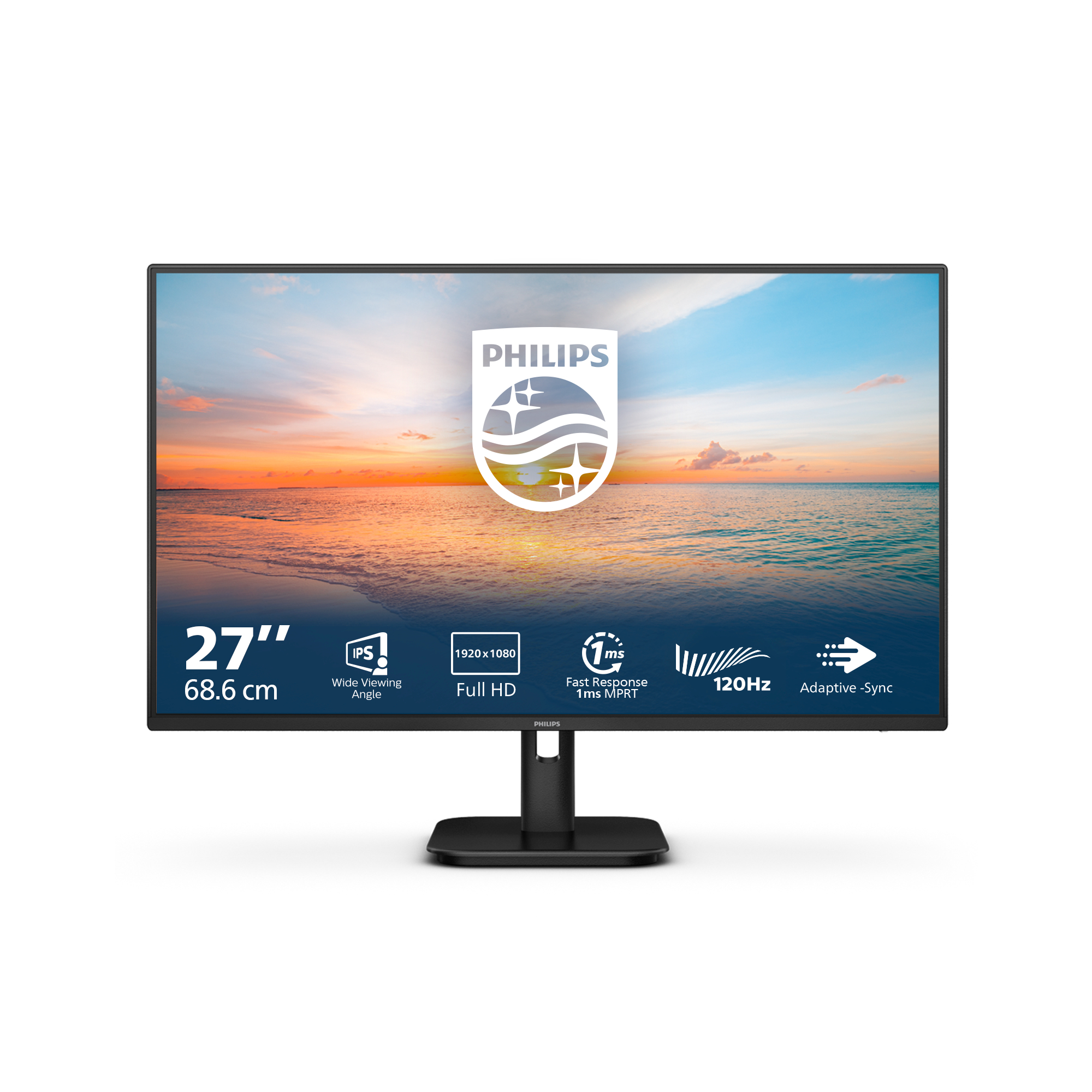
Philips 1000 series 27E1N1100A/00 LED display 68.6 cm (27") 1920 x 1080 pixels Full HD LCD Black
Philips 1000 series 27E2N1500L/00 computer monitor 68.6 cm (27") 2560 x 1440 pixels Quad HD LED Black
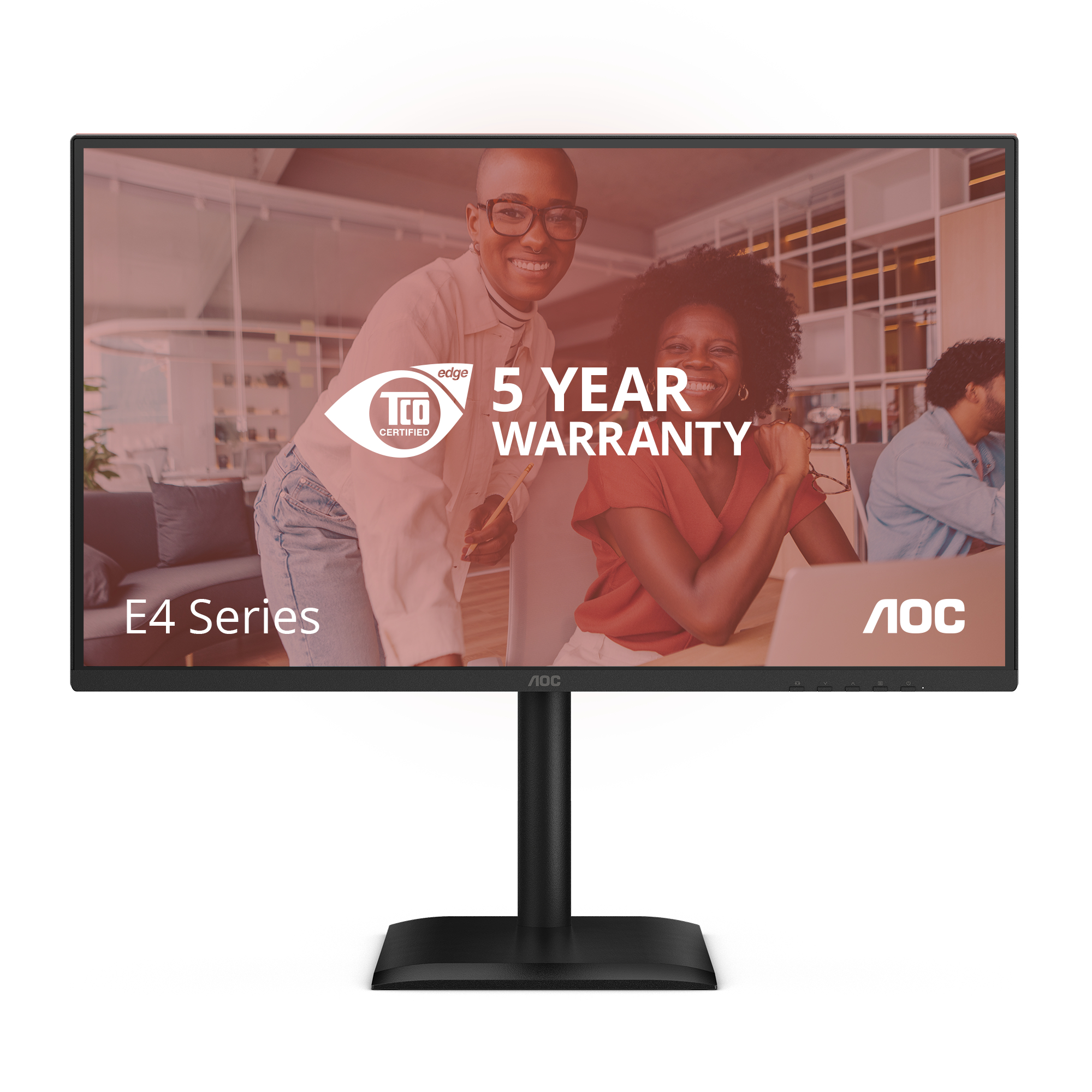
AOC 27E4U computer monitor 68.6 cm (27") 1920 x 1080 pixels Full HD LED Black
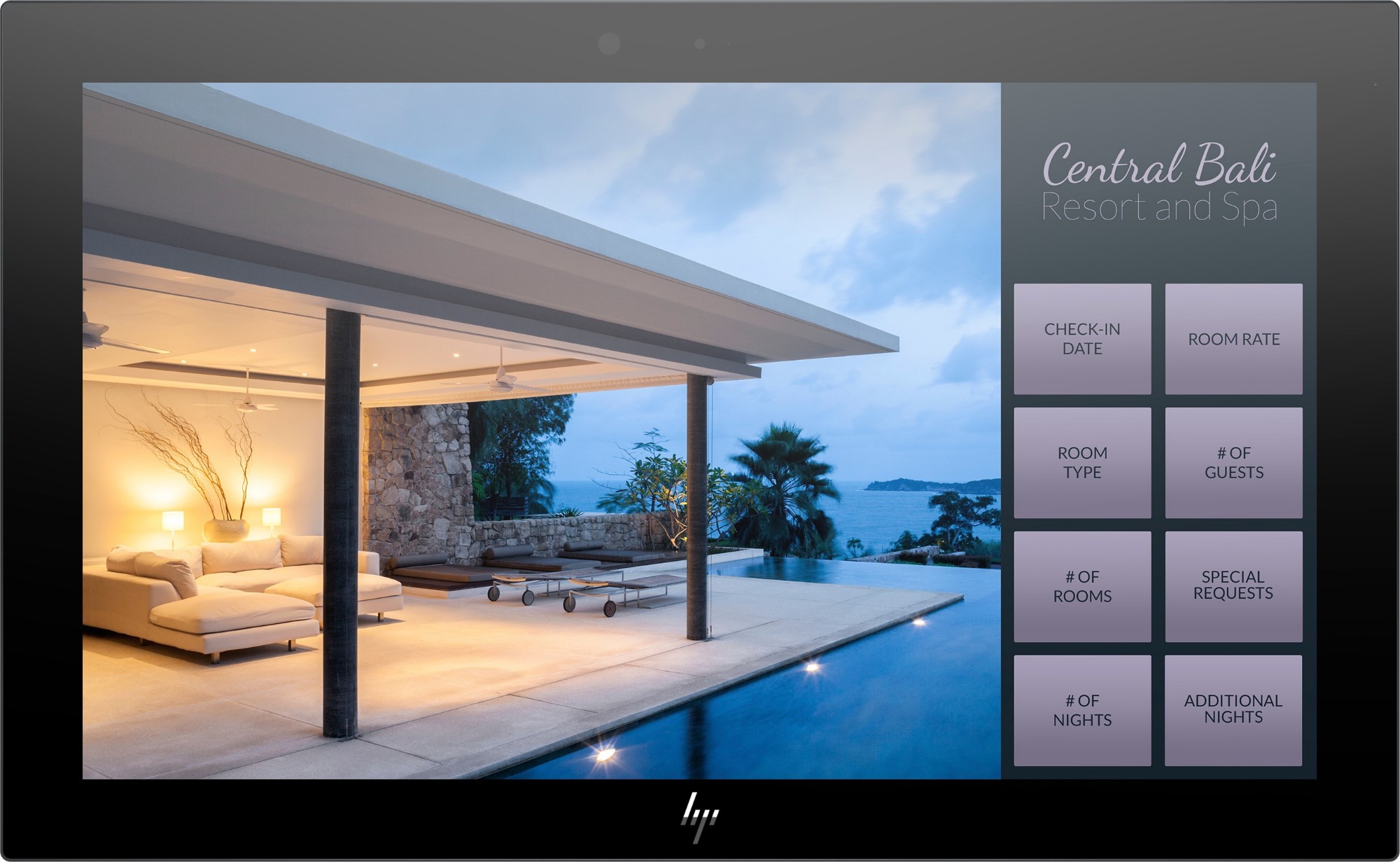
HP Engage 16t computer monitor 39.6 cm (15.6") 1920 x 1080 pixels Full HD Touchscreen Black
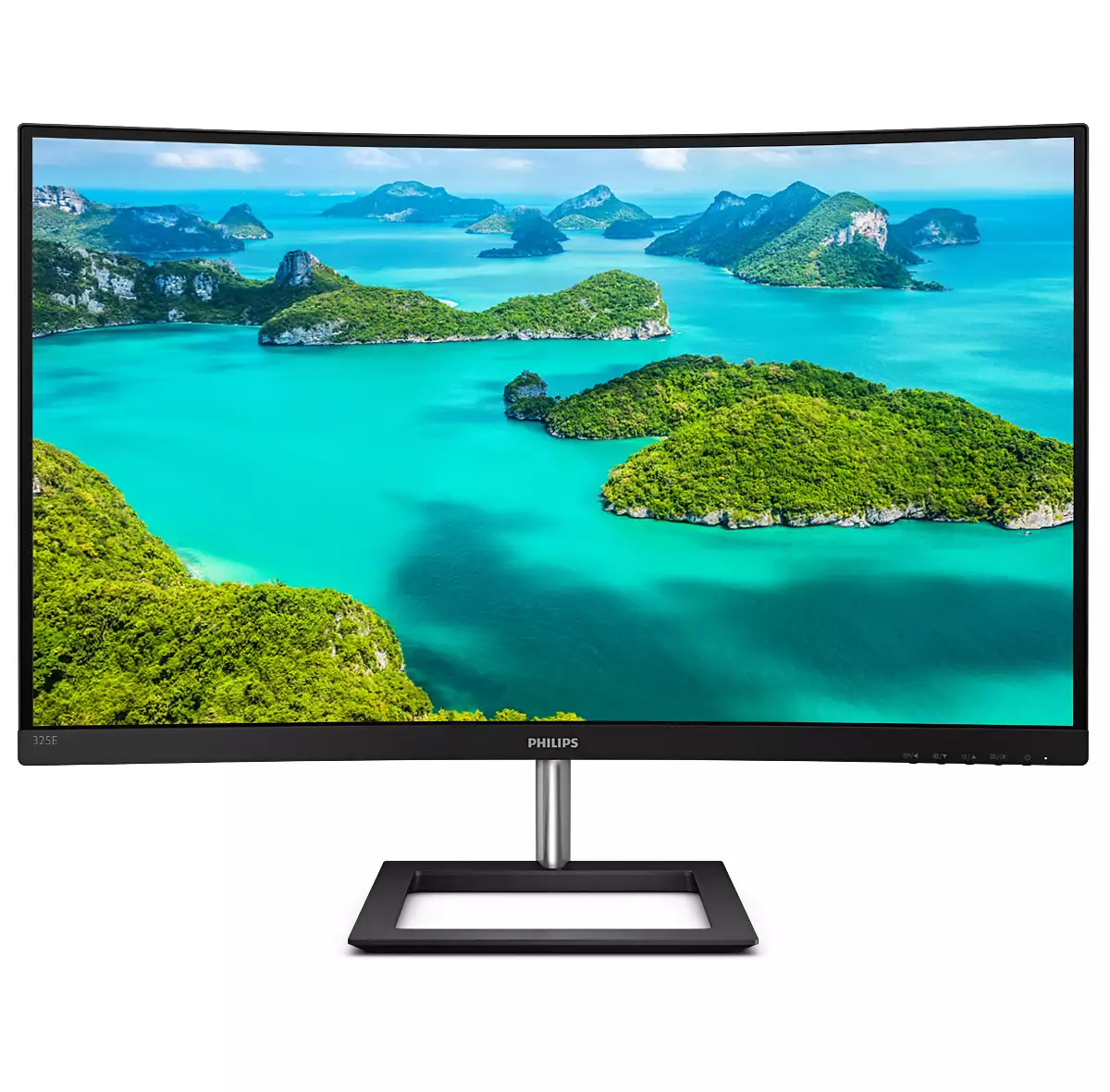
Philips E Line 325E1C/00 computer monitor 80 cm (31.5") 2560 x 1440 pixels Quad HD LCD Black
Philips 3000 series 32B2N3500/00 computer monitor 80 cm (31.5") 2560 x 1440 pixels Quad HD LCD Black
Loading more
Total 152 products

Explore our diverse range of computer monitors, featuring well-known brands and competitively priced options. With LED, LCD and touch screen monitors available in various sizes, you can enhance your workspace ergonomics and productivity. For seamless multitasking, connect multiple screens.

Upgrade your setup today and elevate your computing experience with Purple Panda.

FAQs:

  • What size monitor is best for my computer? For general use, 24-27 inches is ideal; balancing screen real estate and desk space. Larger screens offer immersive experiences, while smaller ones are more compact.
  • Can you use a TV as a computer monitor? Yes, you can use a TV as a computer monitor. Simply connect your computer to the TV using a HDMI cable for display.
  • Should I buy an LED or LCD computer screen? LED screens offer better energy efficiency and thinner profiles. However, LCDs can be more cost-effective. Consider your budget and display preferences before making a decision.
SEARCH ×

Search