
The only printer & scanner guide you'll need
Laser or inkjet? Standalone or multifunction? This guide breaks down every decision — with interactive tools to find the right machine for your office, home, or both.
Quick summary — what this guide covers
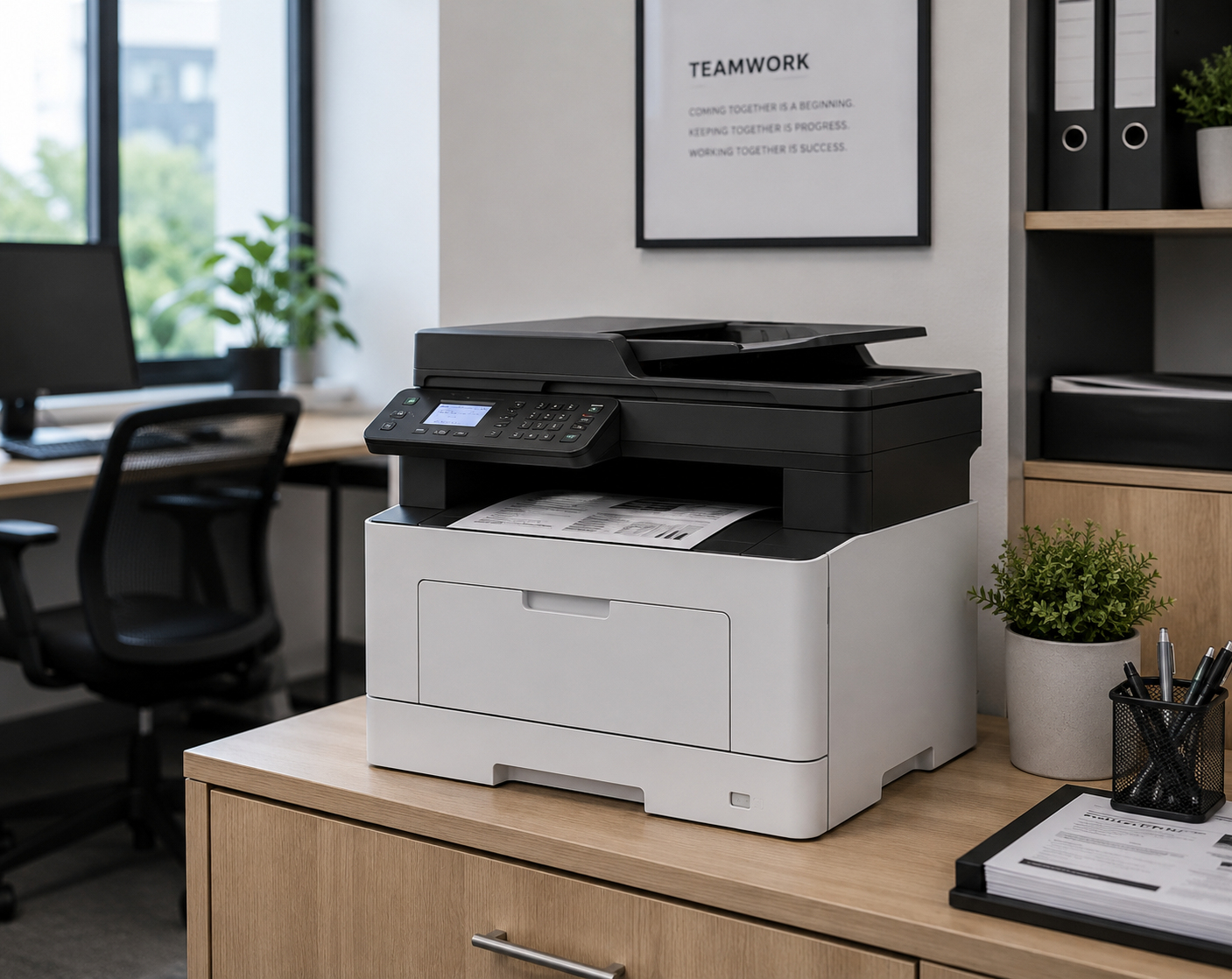
This guide helps Irish businesses and home offices choose the right printer or scanner. It covers laser vs inkjet technology, running costs per page, duty cycles, multifunction (all-in-one) printers, wireless connectivity, and key features like duplex printing and ADF scanners. An interactive cost calculator shows how much you'll spend based on your monthly print volume. A real Irish business case study shows how switching from inkjet to laser saved €2,400 per year.
Laser, inkjet or multifunction
Which type of printer is right for you?
The first decision is the type of printer. Each has a clear strength — click any card to see the full breakdown.
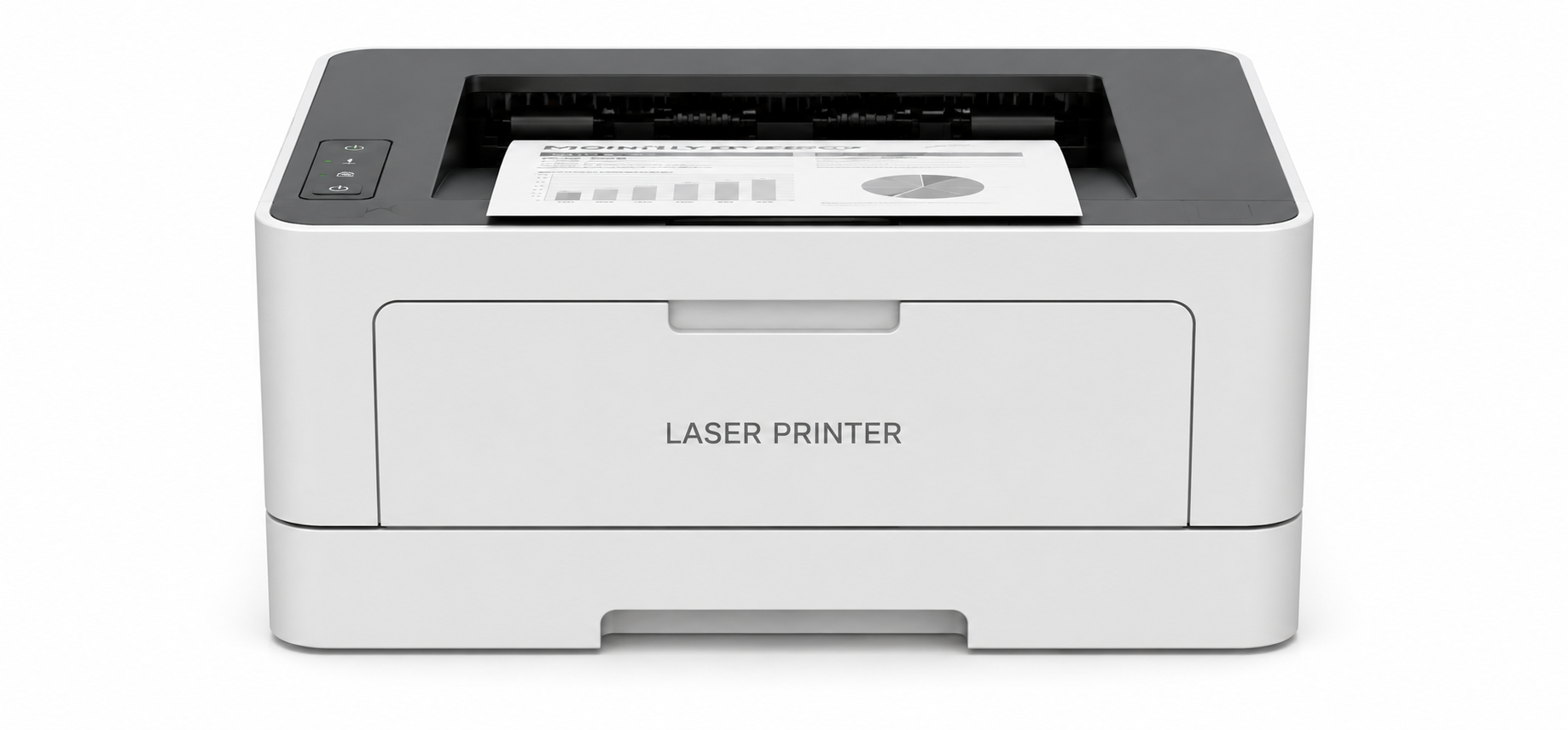
Laser printer
Uses toner powder and heat to fuse text and graphics onto paper. Fast, efficient, and built for volume.
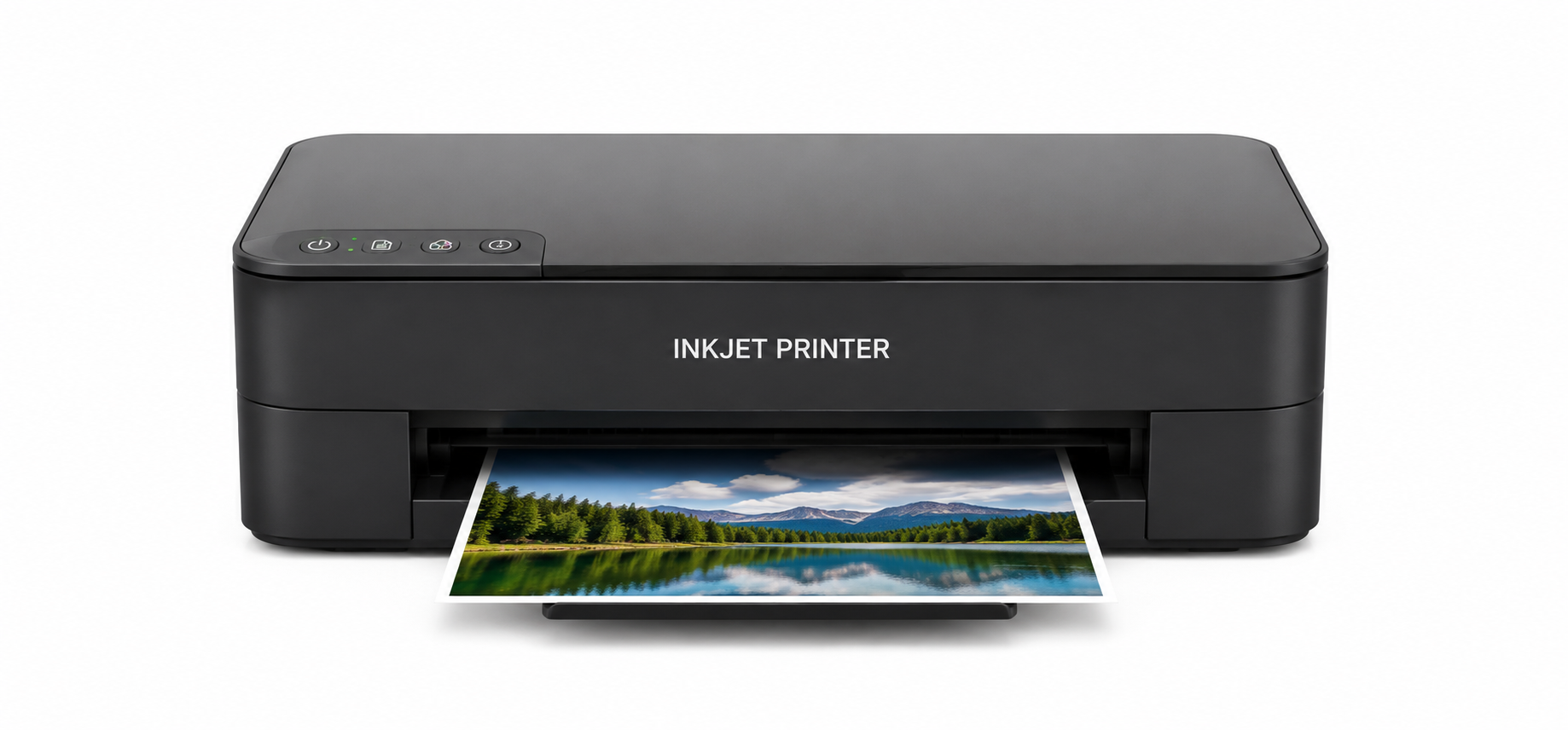
Inkjet printer
Sprays microscopic ink droplets onto paper. Excellent colour output and photo printing at a lower entry price.
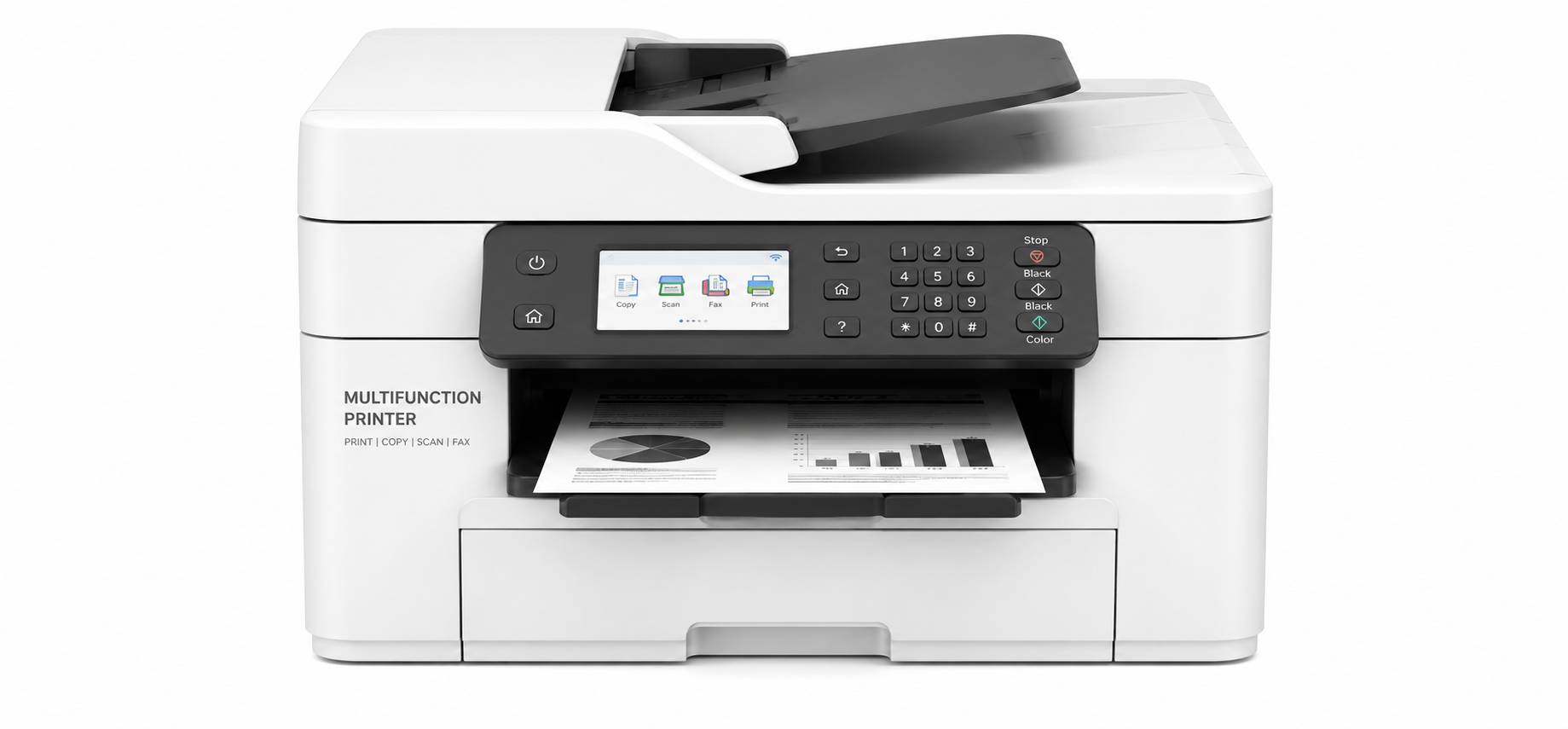
Multifunction (MFP)
Combines a printer, scanner, copier — and sometimes fax — in a single device. The most popular choice for offices.
Advantages
- Very fast print speeds — ideal for busy offices
- Lower cost per page than inkjet at high volumes
- Toner cartridges last significantly longer than ink
- Sharp, smudge-free text output
- No drying time — pages ready immediately
Disadvantages
- Higher upfront purchase price
- Colour laser models are significantly more expensive
- Larger physical footprint
- Photo printing quality below inkjet
Best for
Advantages
- Lower purchase price — great entry point
- Superior colour and photo quality
- Compact size — fits easily on any desk
- Handles a wide range of media (photo paper, card, labels)
- Quieter operation
Disadvantages
- Higher cost per page — ink cartridges run out faster
- Slower print speeds than laser
- Ink can dry out if not used regularly
- Prints can smudge if handled immediately
Best for
Advantages
- Print, scan, copy (and sometimes fax) from one device
- Saves desk and floor space vs separate machines
- One set of consumables and maintenance
- Often includes ADF for multi-page scanning
- Available in both laser and inkjet variants
Disadvantages
- If one function breaks, you may lose all functions
- Slightly higher cost than a standalone printer
- Standalone scanners can be higher quality
Best for
Running costs
How much will it really cost to run?
The purchase price is just the start. Select your approximate monthly print volume below to see how laser and inkjet running costs compare.
How many pages does your office print per month?
At under 300 pages/month, inkjet's lower upfront price makes it cheaper in year one. But if your volume grows, laser quickly becomes the better investment.
Don't get caught out
Duty cycle vs. recommended volume — what's the difference?
Every printer listing shows two numbers. Most buyers look at the wrong one.
This is the stress-test maximum — the absolute ceiling a printer can reach under controlled lab conditions. Think of it like a car's top speed: technically possible, but not how you drive every day. Running a printer at its duty cycle shortens its life significantly and can void the warranty.
This is the number the manufacturer actually recommends for day-to-day reliable use. It factors in correct paper, correct cartridges, regular maintenance, and the expected engine lifespan. Match your office's monthly page count to this figure — not the duty cycle — and your printer will deliver consistent, trouble-free performance for years.
Always ask: "What is the recommended monthly print volume?" — not the duty cycle. Your monthly page count should comfortably sit within that recommended range. If it's close to the ceiling, go up a model.
Connectivity & workflows
How will your team print?
A document workflow is the path from screen to paper. How your team works — in office, on the move, or remotely — determines which connectivity features matter most.
Wired connection
The traditional setup — a USB cable or Ethernet connection from computer to printer. Reliable and fast. Ethernet is essential for shared office printers on a network.
Mobile print
Print directly from laptops, smartphones and tablets over Wi-Fi, Bluetooth or NFC — no cables needed. Perfect for physically busy offices with lots of different devices moving around.
Cloud print
Send print jobs to the printer from anywhere in the world via an internet server — no local network needed. Independent of devices and location. Essential for remote and hybrid teams.
Features that matter
Key features to look for
Not every printer has every feature. Here are the ones worth paying attention to — especially for office and workgroup use.
Side by side
Laser vs inkjet vs multifunction at a glance
| Feature | Laser | Inkjet | Multifunction |
|---|---|---|---|
| Print speed | ✓ Very fast | ~ Moderate | ✓ Fast (laser MFP) |
| Colour quality | ~ Good | ✓ Excellent | ✓ Varies by model |
| Cost per page | ✓ Low (2–5c) | ✗ Higher (5–15c) | ~ Depends on engine |
| Upfront price | ~ Higher | ✓ Lower | ~ Mid to high |
| Scanning | ✗ No | ✗ No | ✓ Yes (flatbed + ADF) |
| Copying | ✗ No | ✗ No | ✓ Yes |
| Photo printing | ✗ Not ideal | ✓ Excellent | ~ Inkjet MFP only |
| Best for | High-volume text | Colour, photo, light use | Most offices |
Shop by brand
Trusted printer brands
We stock printers and multifunction devices from the brands trusted by Irish businesses and home offices.
Get a recommendation
Which printer is right for you?
Answer five quick questions and we'll recommend the right type, features and spec for your needs.
Printer finder
5 questions · under a minute
Common questions
Frequently asked questions
Real world example
How one Irish office cut their print costs in half
A common story for Irish SMEs — and a straightforward fix once you know where to look.
